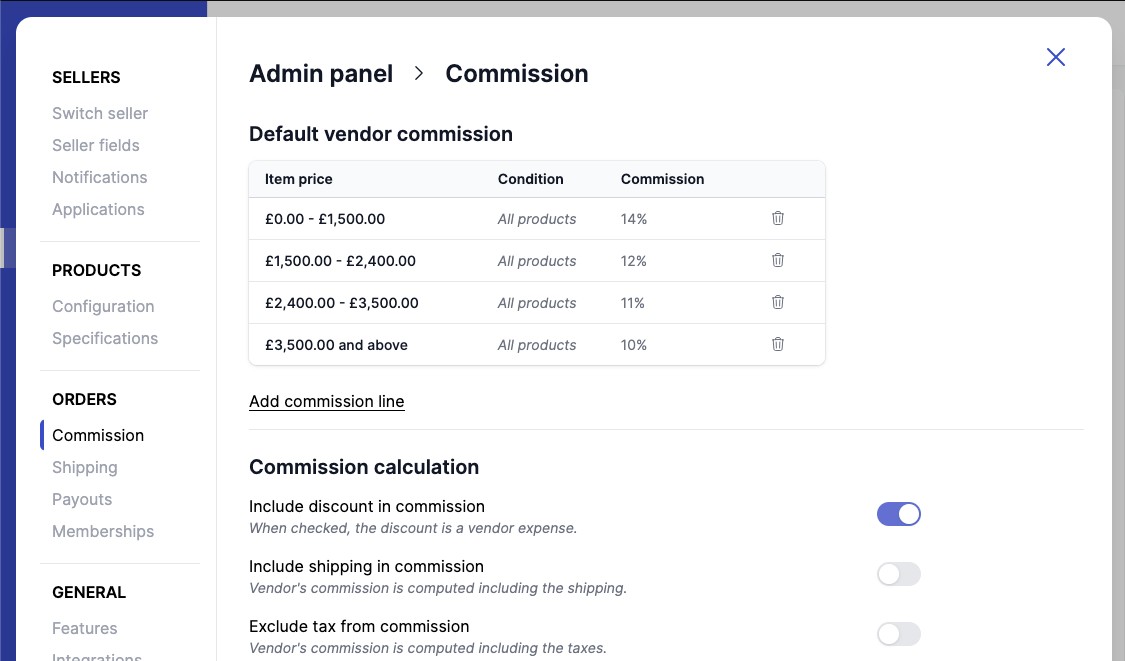
Set Up Commission Model
Steps
- Go to
Garnet > Admin Panel > Finance > Commission - Choose commission structure:
- Percentage of overall sales
- Simple (mix of flat fee and percentage of sales)
- Advanced (based on product price or metafield condition)
- If you prefer a different commission per vendor, go to
Garnet > Vendors > [Vendor Name]and turn onUse custom commission - For memberships: See Set Up Vendor Memberships