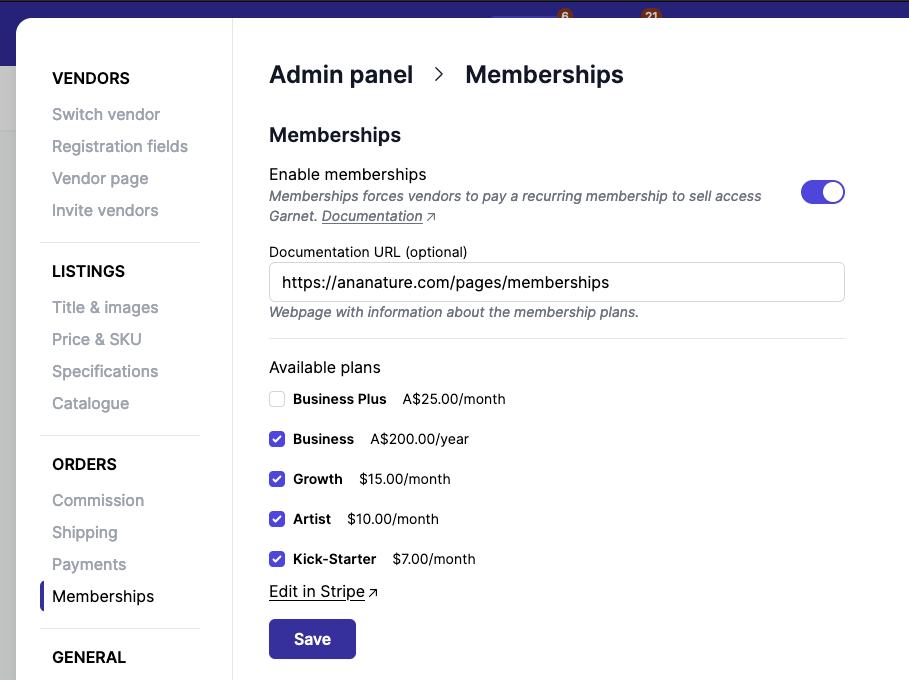
Set Up Vendor Memberships (Optional)
Prerequisites
Set up the Stripe integration first (see Choose and Set Up Payout Provider).
Steps
- Set up Stripe integration first
- In Stripe > Product Catalog: Create membership products with pricing
- In
Garnet > Admin Panel > Finance > Memberships, enable memberships and select the relevant Stripe products - Vendors subscribe via the vendor portal. When upgrading, the pro-rated amount is charged immediately