Set Up Product Fields
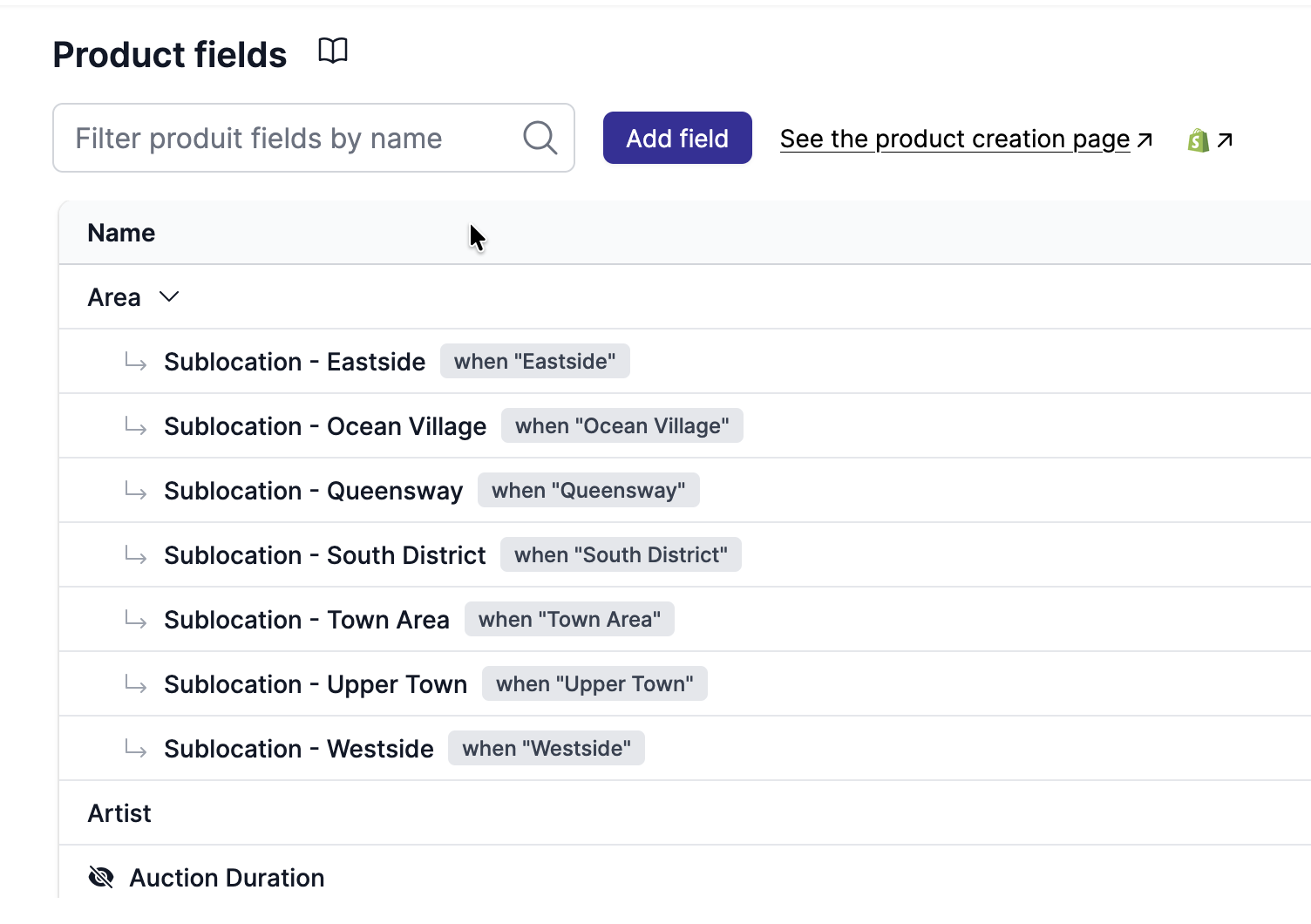
Custom fields allow vendors to provide additional information for each product (e.g., origin, category, material, certifications, dimensions). They are stored as Shopify metafields.
Steps
- Go to
Garnet > Admin Panel > Products > Product fields - Define custom fields vendors will fill for each product (e.g., origin, category, material, certifications, dimensions)
- Fields are stored as Shopify metafields
- Create product collections based on these metafields (
Shopify > Create Collection > Smart condition) - Display product fields on product pages using dynamic data