Skip to content
Garnet Marketplace
Search
Releases
Features
Get Started
More
Contact us
Onboarding
Menu
Return to top
On this page
Create Vendor Custom Fields
Steps
Go to
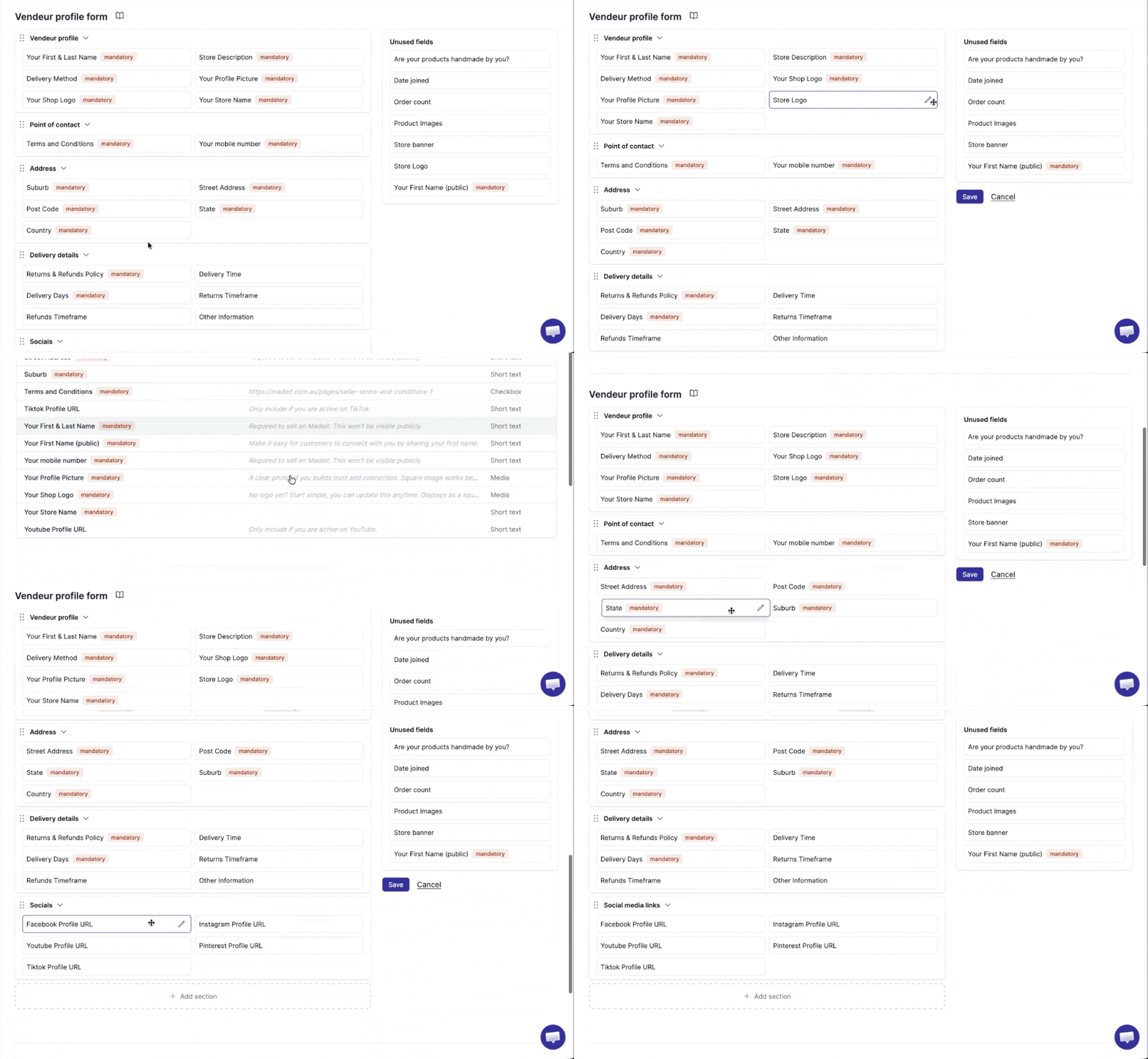
Garnet > Admin Panel > Vendors > Vendors fields
Click
Add field
Configure field settings (e.g., type of fields, conditional rule)
Save field
You can now click on any product to see this field.
Documentation
Type of Fields
Vendor Fields