
Appearance
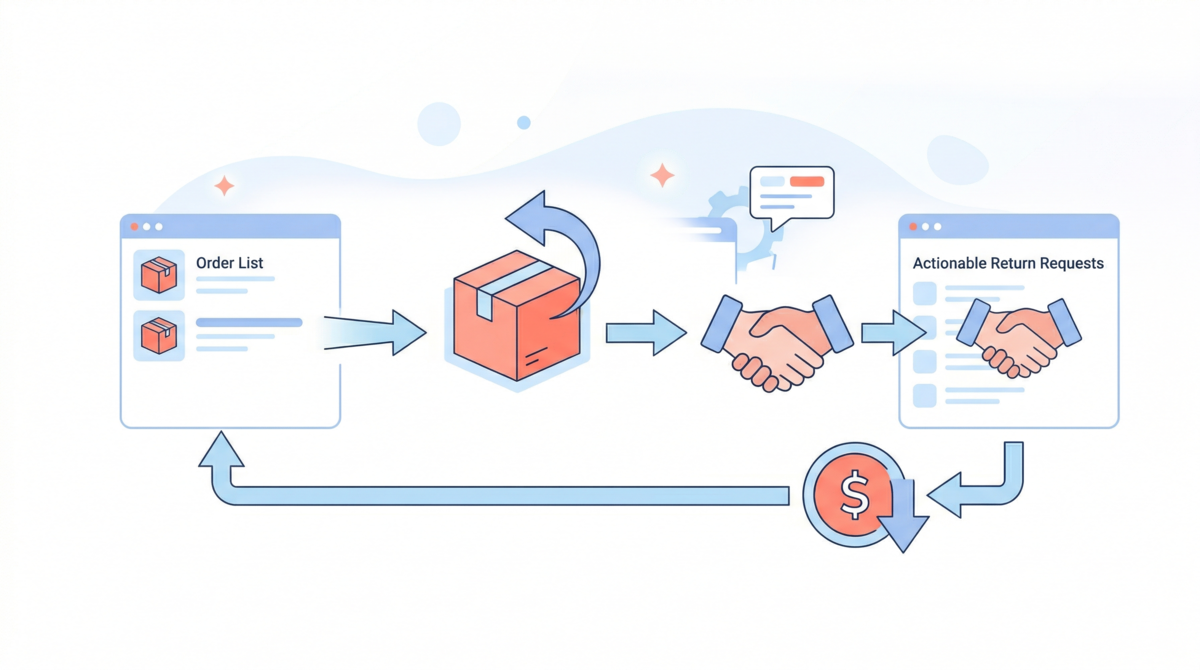

How to Handle Refunds & Returns on Your Marketplace
Managing returns and refunds well is one of the most underrated levers in marketplace operations.
Return rates vary significantly by vertical: fashion and apparel sits at 20–40%, electronics around 10–15%, while categories like art, handmade goods, or digital products can be as low as 1–5%. Whatever your niche, returns are inevitable. How you handle them determines whether a frustrated customer becomes a lost customer, or a loyal one.
Why You Can't Leave This to Sellers Only
The natural reflex for most marketplace operators is to let sellers handle their own returns. It seems logical: the seller owns the product, the relationship, and the fulfilment. But this approach creates a fragmented experience that ultimately damages your brand, not theirs.
Consider this scenario:
Sarah buys a dress on your marketplace from Seller A. It arrives damaged. She contacts the seller directly, but he takes 5 days to respond, then offers only a 20% discount instead of a full refund. Frustrated, Sarah leaves a 1-star review on your platform, tells her friends to avoid it, and never comes back. Seller A moves on. You bear the cost.
Sellers have different standards, different response times, and different incentives. Some will handle complaints well; others won't. But in every case, the customer holds you accountable, because your name is on the platform.
Before Any Case Arises: Policy & Intake Channel
The prerequisite to handling refunds well is having two things in place before you need them.
Clear intake channels. Customers should have clear places to submit a complaint: an email address, an in-app form, or a support chat. When starting out, we recommend setting up a central email managed by you, the marketplace operator. As your operations mature, your process becomes more standardized, and you build trust with your vendors, you can delegate the back-and-forth with customers directly to your sellers, using our messaging app, which lets vendors and customers interact while you retain full visibility on every conversation.
A published return and refund policy that defines, unambiguously:
- Buyer fault (e.g. wrong size ordered, change of mind): no refund, or refund minus a restocking fee, buyer covers return shipping
- Seller fault (e.g. wrong item sent, damaged goods, late delivery): full refund, seller bears return shipping, potential penalty applied
- Bad luck / force majeure (e.g. lost in transit, customs delay): platform absorbs the cost as a goodwill gesture, or responsibility is shared
This policy should be signed off by sellers at onboarding and acknowledged by buyers at checkout. When a dispute arises, there should be no ambiguity about the rules.
The Workflow, Step by Step
Step 1: Intake
The customer submits a complaint via your intake channel (e.g. a central email address managed by you, or a messaging system to interact directly with vendors) with a description of the issue, ideally with photos or supporting evidence.
Step 2: Triage & Decision
Investigate the root cause. Was the item damaged in transit? Did the seller ship the wrong product? Is this a case of buyer's remorse?
Once you have a clear picture:
- Assign responsibility: buyer fault, seller fault, or bad luck
- Communicate the decision to both the customer and the seller via your messaging tool, clearly and promptly
- Decide on a commercial resolution: full refund, partial refund, replacement, or store credit
Step 3: Processing a Return
For digital products or services where no physical return is needed, skip directly to Step 4.
If the resolution requires a physical return, generate a return shipping label:
- US: generate directly via Shopify's built-in return label feature
- International: use a logistics partner such as Easyship, Shippo
The label should route the item back to the seller's address, not your warehouse. Send it to the customer and track the shipment until delivery is confirmed. Once the return is received, process the refund.
Step 4: Processing a Refund
Go to Shopify > Orders > select the order > Refund, or refund directly from Garnet's order details. You can issue a partial or full refund depending on the resolution. See the Shopify refund documentation for detailed steps.
Triggering a refund in Shopify automatically initiates the reversal through your payment provider (Stripe, Mollie, Airwallex, etc.). The flow depends on timing:
- Before escrow release: funds are still held by the payment provider. The refund is pulled from escrow before it ever reaches the seller. Clean, no friction.
- After escrow release: funds have already been transferred to the seller's account. You need to claw them back via your payout provider. Based on the provider, you can either pull money back from the vendor, or wait for the next payout to deduct the remaining amount.
Vendors are automatically notified by email when an order is refunded. The marketplace commission is also reversed accordingly.
Step 5: Close the Loop
- Apply any contractual penalties to the seller if their fault was established
- Flag repeat offenders: on the buyer side (serial returners gaming the system) and on the seller side (recurring quality or fulfilment issues that signal a deeper problem)
Summary
| Step | Action |
|---|---|
| Prerequisite | Publish a clear policy; set up one intake channel |
| Step 1 | Customer submits complaint |
| Step 2 | Investigate, assign responsibility, decide resolution |
| Step 3 | Generate return label, track shipment, then refund |
| Step 4 | Process refund via Shopify + payment provider |
| Step 5 | Close the loop, apply penalties, flag repeat offenders |
A well-run return process is not just damage control: it is a signal to your customers that there is a reliable operator behind the marketplace. That trust is hard to build and easy to lose.
Need help setting up your refund workflow? Contact us to see how Garnet can help.