
Messaging
With the messaging extension, vendors and customers have a direct communication channel. There are two sides to it:
- Customer messaging — how shoppers reach vendors from your storefront.
- Vendor messaging — how vendors read, reply to, search, and resolve those conversations inside Garnet.
Customer messaging
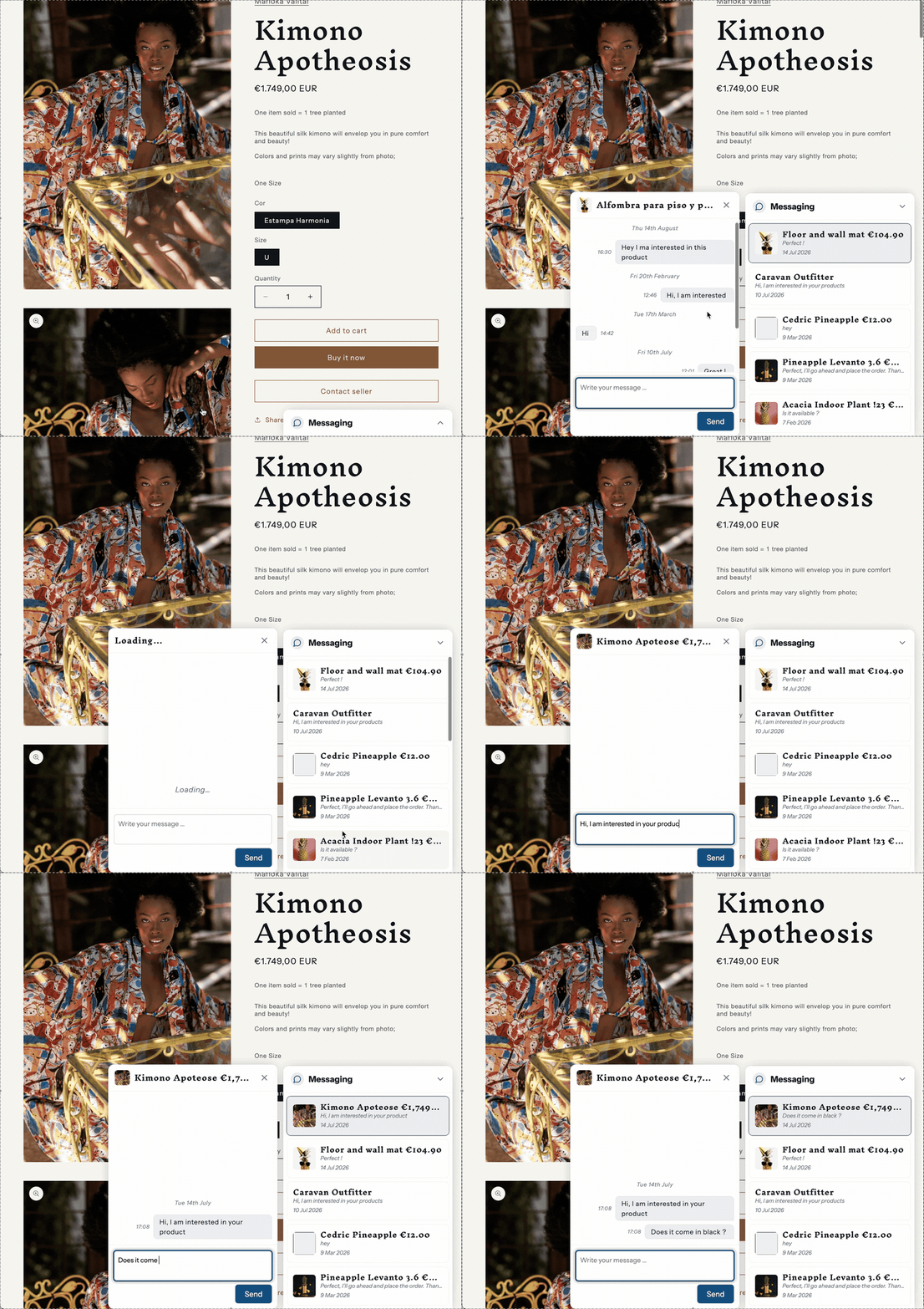
There are two ways to let customers message vendors from your storefront. Pick the one that fits your theme:
- Classic messaging setup — a dedicated messages page on your storefront, plus a
Contact sellerbutton that opens a full-page conversation view. - Modern messaging setup — a floating, Messenger-style widget that appears on every page and opens conversations in place, with no page reload.
Vendor messaging
Vendors handle every conversation from within Garnet: a dedicated Messages tab, search across past conversations, and the ability to mark chats as resolved. See vendor messaging for details.