
Admin Panel
The Admin Panel contains all marketplace settings: commission, shipping, notifications, integrations, and more. It is meant to be accessed occasionally to update your configuration. When onboarding on Garnet, the Garnet team takes care of the initial setup — contact us to get started.
As an admin, you can switch vendors to see their data, change settings (like commission), or approve products.
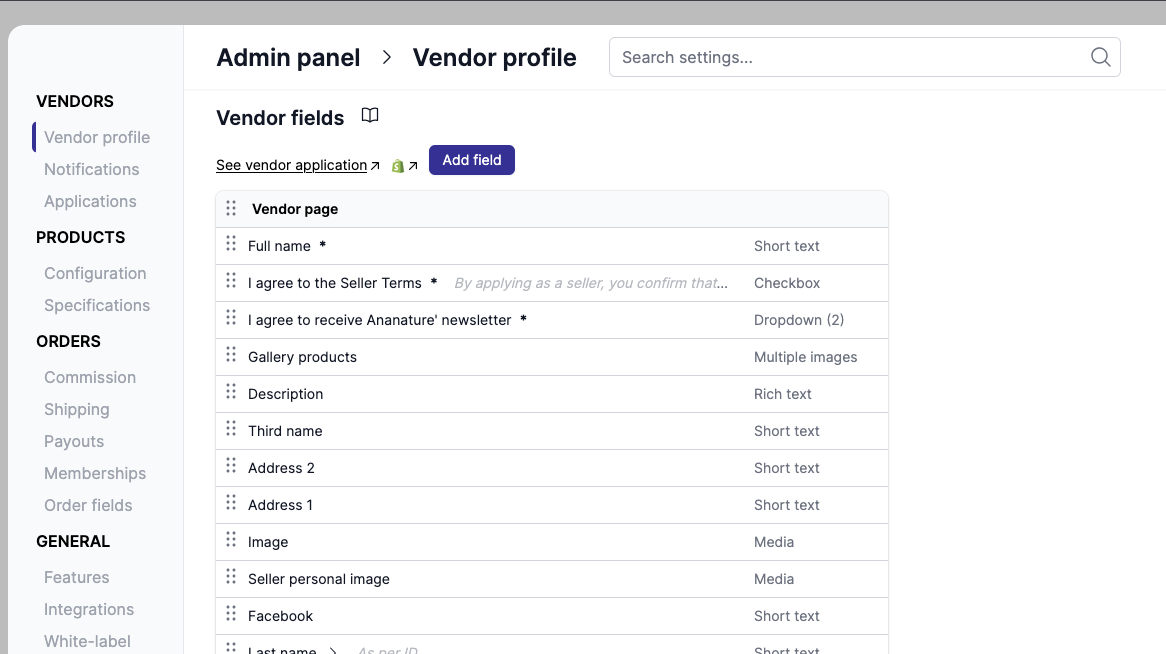
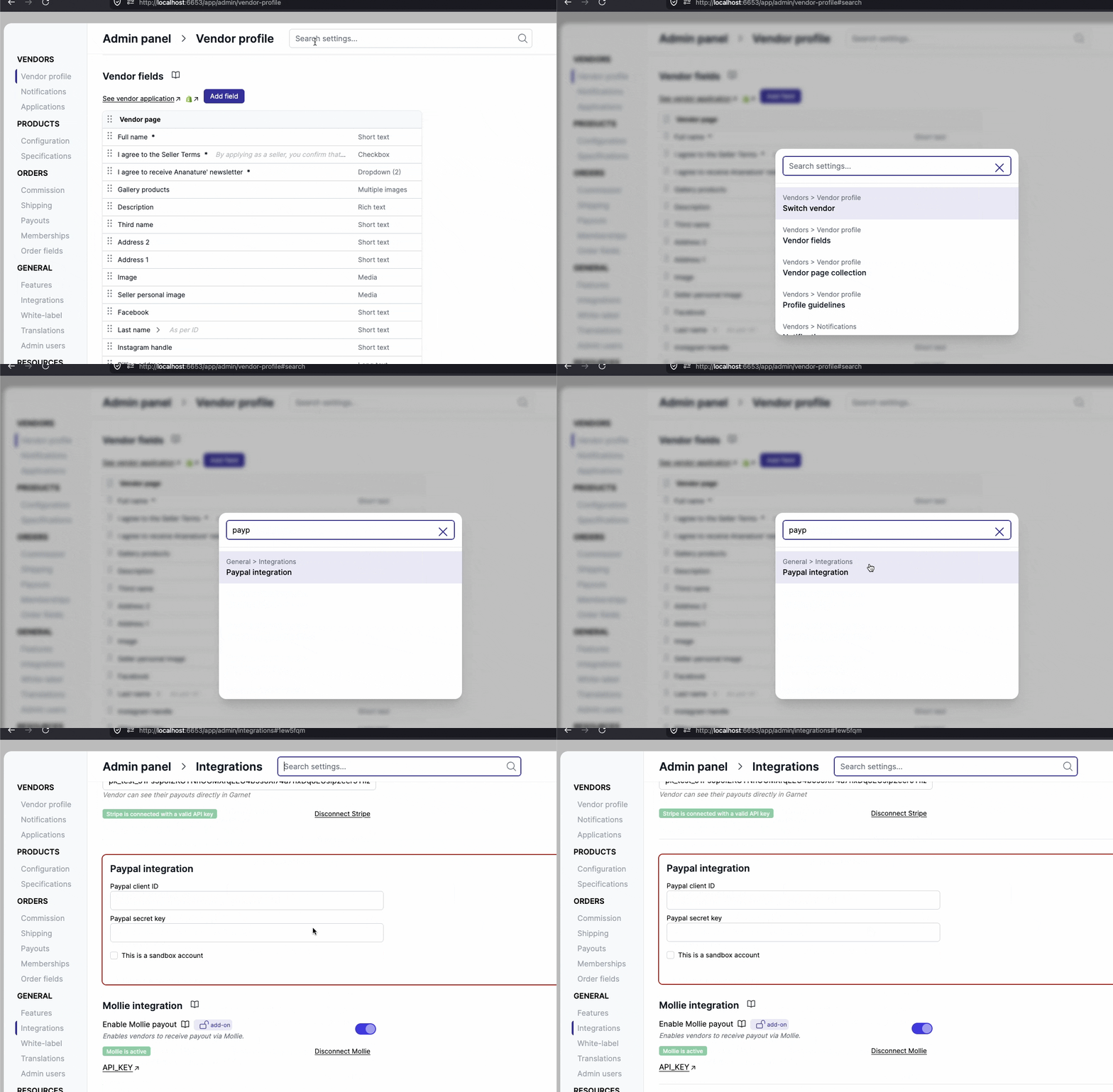
Search settings
You can quickly find settings in the admin panel using the search feature. Press Cmd+K / Ctrl+K or click the search bar to open the search modal. Results navigate directly to the matching section.
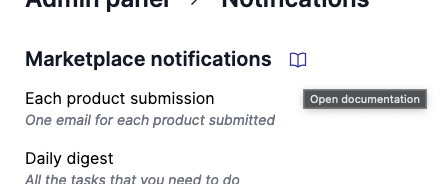
Access documentation
When browsing the features in the Admin Panel, you can click the book icon to access the documentation in a new tab.
Settings overview
The menu groups the settings by what they configure. The documentation follows the same sections.
Vendors
- Vendors fields - vendor fields, vendor page collection and profile guidelines
- Applications - vendor application fields and accesses
- Onboarding - onboarding sections
- Notifications - email settings, templates and sender address, and email integrations
- Settings - vendor features, messages and eCommerce integrations
Products
- Product fields - product fields for vendors to fill in
- Product form - sales configuration, product configuration and guidelines
- Metaobjects - metaobject tabs
- Settings - default units, product template, sales channels, approval, discounts, make an offer and product subscriptions
Shipping
- Connected Carriers - Shippo, Easyship and Shipmondo
- Settings - shipping options and default shipping
Finance
- Commission - default vendor commission, commission calculation and profit start date
- Payout methods - automated payouts, Stripe, PayPal, Mollie, Airwallex and bank transfer
- Invoicing - invoicing
- Memberships - membership plans
General
- Branding - colors, logos, wordings, custom domain, navigation menu and support email
- Order settings - fields visible to vendors and order handling
- Analytics - analytics
- Languages - translations
- Team - admin users