eCommerce integrations
Garnet offers many integrations to integrate your vendor's eCommerce platform. All our integrations are in real time and tailor made to ensure that it is easy and fast for vendors to integrate their platform with the marketplace.
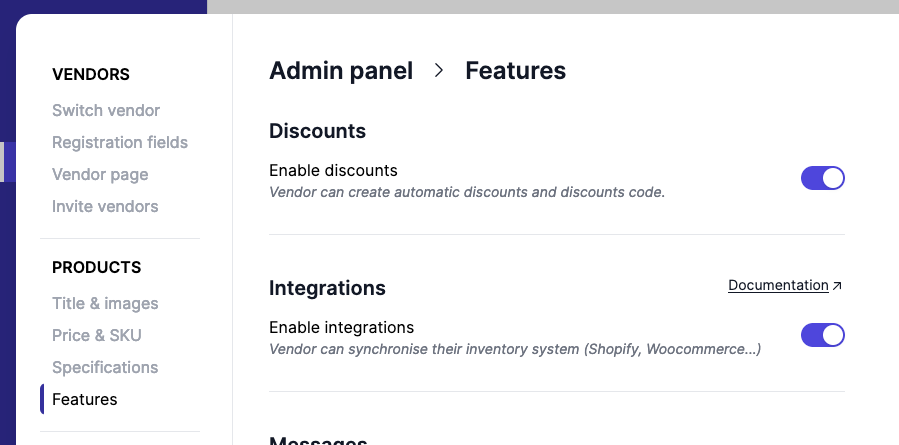
Integrations are available in Garnet > Settings > Integrations and is enabled by default.
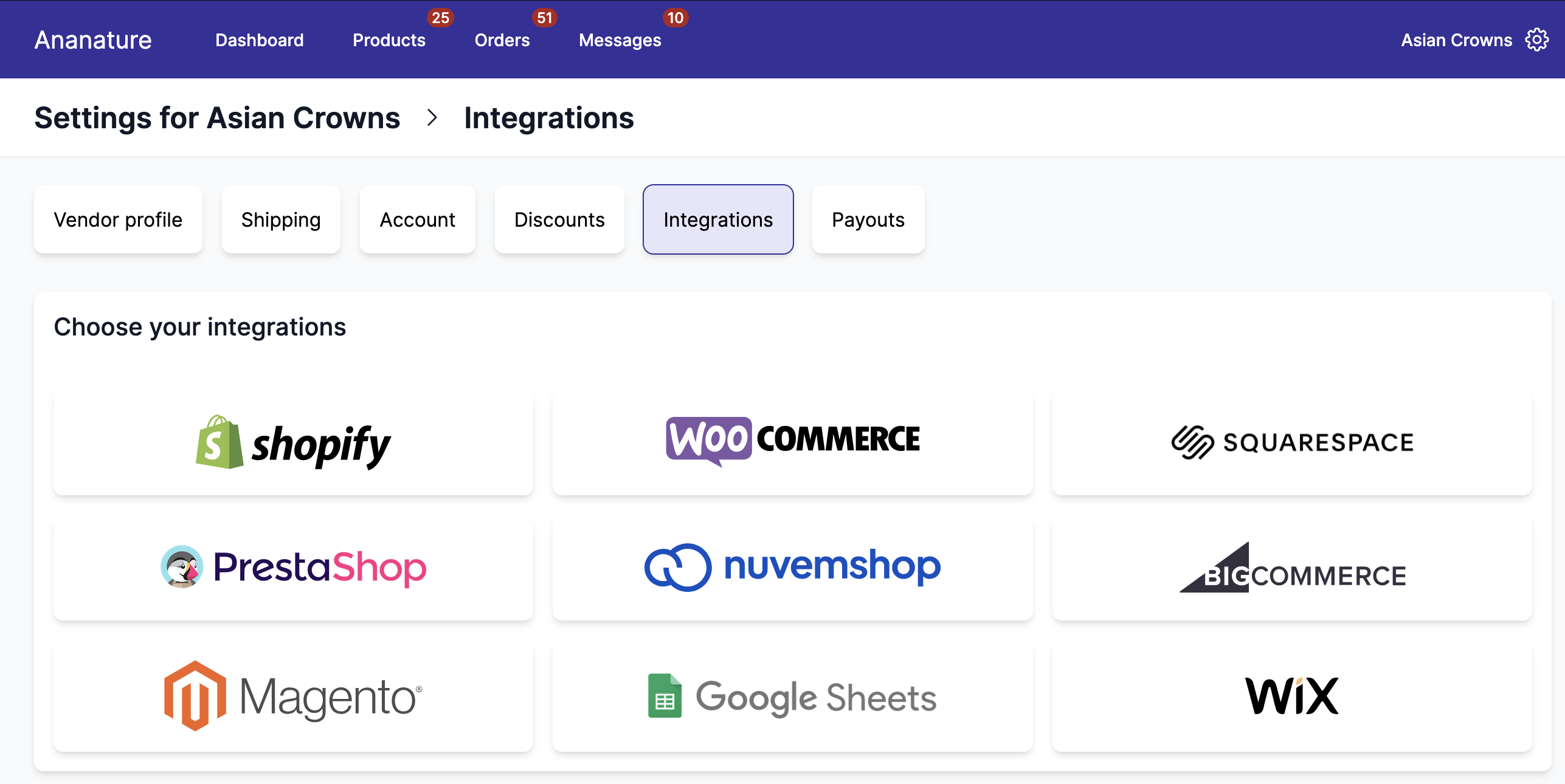
More integrations available can be configured
All our integrations synchronise at least the products between the marketplace and the vendors, and some also synchronise the orders, tracking, and discounts codes. The pages below apply to every platform:
- Integration settings: synchronisation scope, price transformation, and the defaults for new integrations.
- Product synchronisation: choose which products are imported and inspect their data.
- Order synchronisation: how paid orders are forwarded to the vendor's store.
- Connection: firewall, disconnect and reconnect.
Each platform then has its own page in the menu.
Available integrations
Marketplace administrators can restrict which ecommerce platforms vendors can connect to. By default, all platforms are available. To limit the options, go to Garnet > Admin Panel > Vendors > Settings and uncheck the platforms you don't want vendors to use. When all platforms are checked, every integration is available.
Only the selected platforms will appear on the vendor's integration setup page.
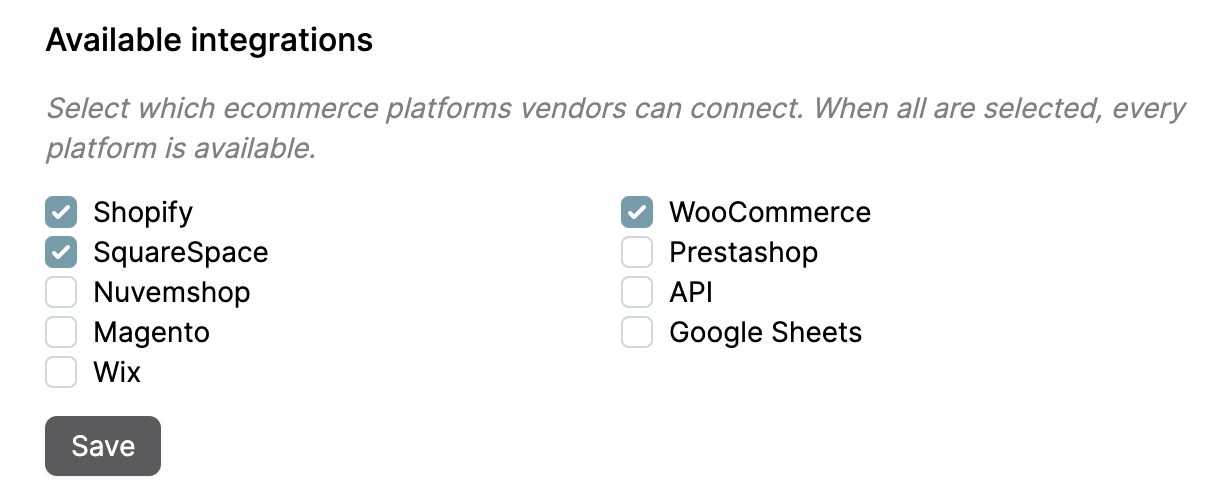
Enable and disable integrations
You can hide the integration tab by turning off Enable ecommerce integrations in Garnet > Admin Panel > Vendors > Settings. It will disable access to integration to all vendors.