
Field types
The types of product fields and how they appear to vendors in the product form. Create them in Garnet > Admin panel > Products > Product fields.
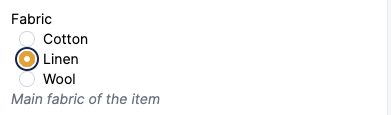
Radio
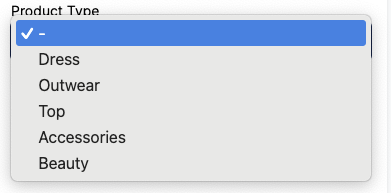
Dropdown
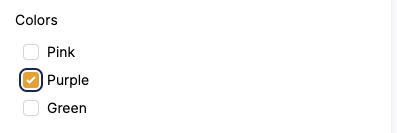
Checkbox
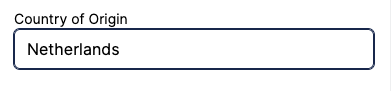
Short text
Media
Media can be uploaded and displayed. Image and video are supported. The media is uploaded to Shopify and hence is optimized for the web. Even if the vendor uploaded a high quality image, it will be displayed at a smaller size based on your theme settings.
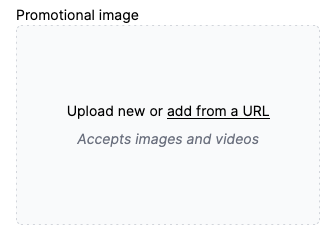
Choose Image only instead of Image or video when the field must hold a picture, such as a size chart displayed by your theme. Vendors can then only pick or drop image files, and a YouTube link is not accepted.
Learn more about media upload
Multiple Media
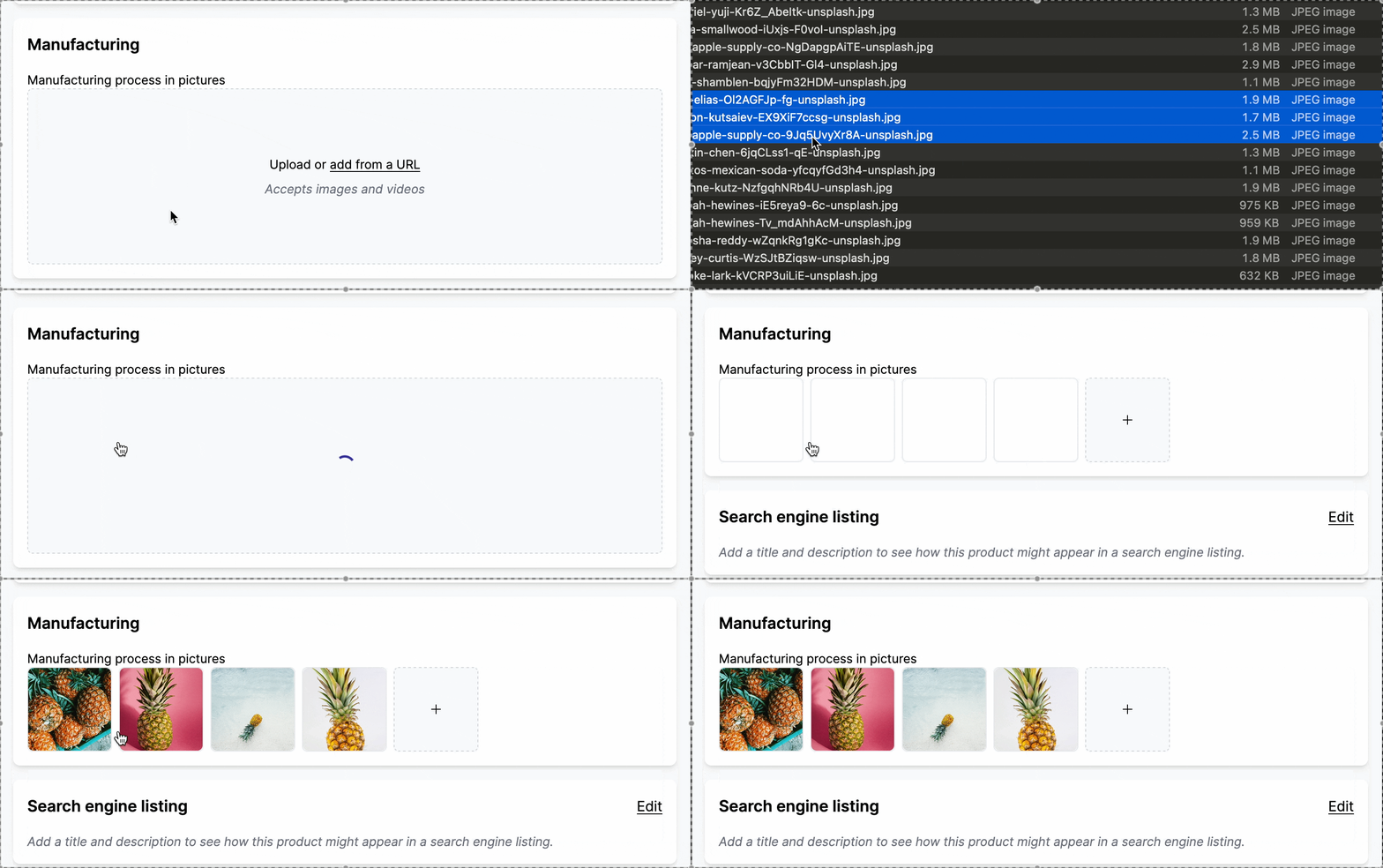
And how about several media? This product field can be used to display portfolio images or another set of images related to the product or its manufacturing. Again it is fully integrated with Shopify metafields so you can use it in your storefront.
Learn more about media upload
Rich text
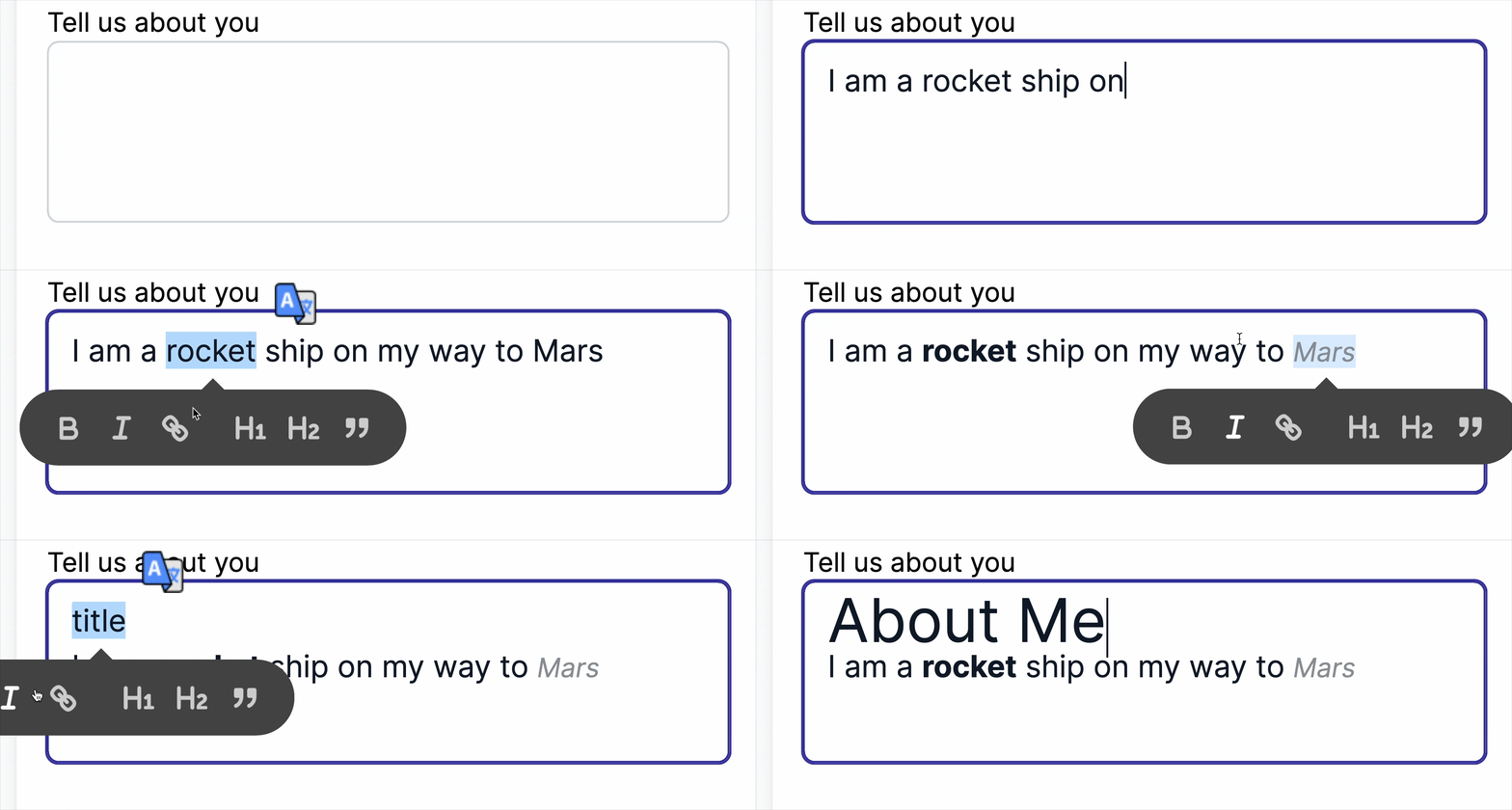
Rich text allows the user to add formatted text. The content is fully managed by shopify and will respect the storefront design and font.
URL
Vendors can enter a web address, or a mailto:, tel: or sms: link. Garnet checks the value is a valid URL before saving. When a vendor types a bare domain like garnet.center, Garnet automatically prefixes it with https://.

Restrict to specific domains
When creating a URL product field, you can fill the Allowed domains field to limit which domains vendors can link to. For example, allowing only instagram.com prevents vendors from linking to other sites. Leave it empty to allow any domain.
The match is exact: allowing instagram.com does not accept www.instagram.com. Add each variant you want to allow.
Country Picker
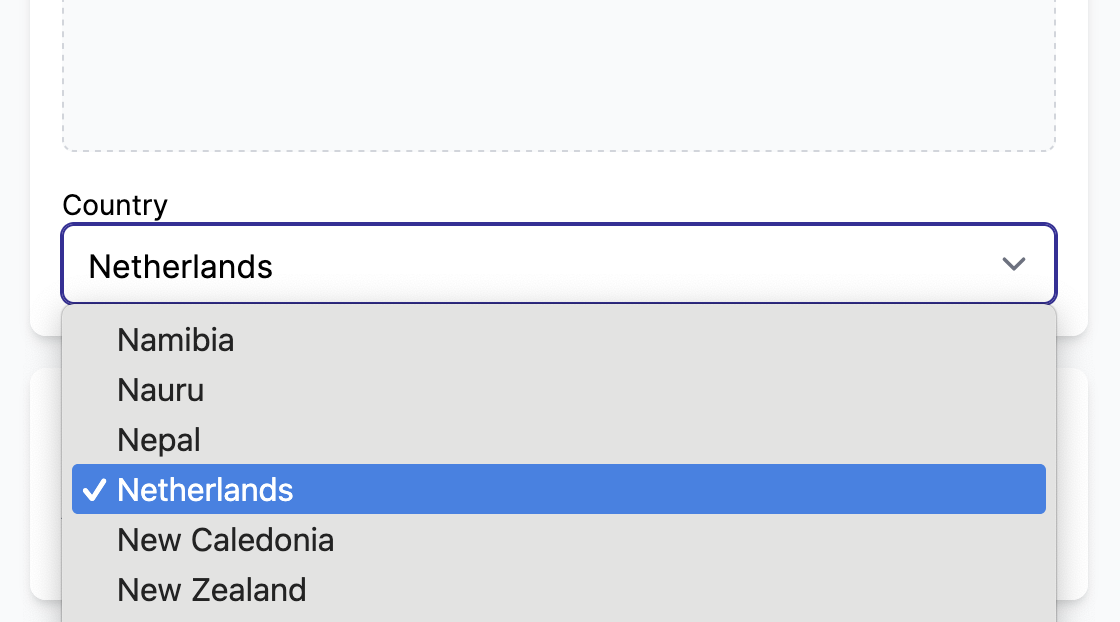
You can create a country picker for your vendors. Garnet will show all available countries in alphabetical order. The default country is the country of the user.
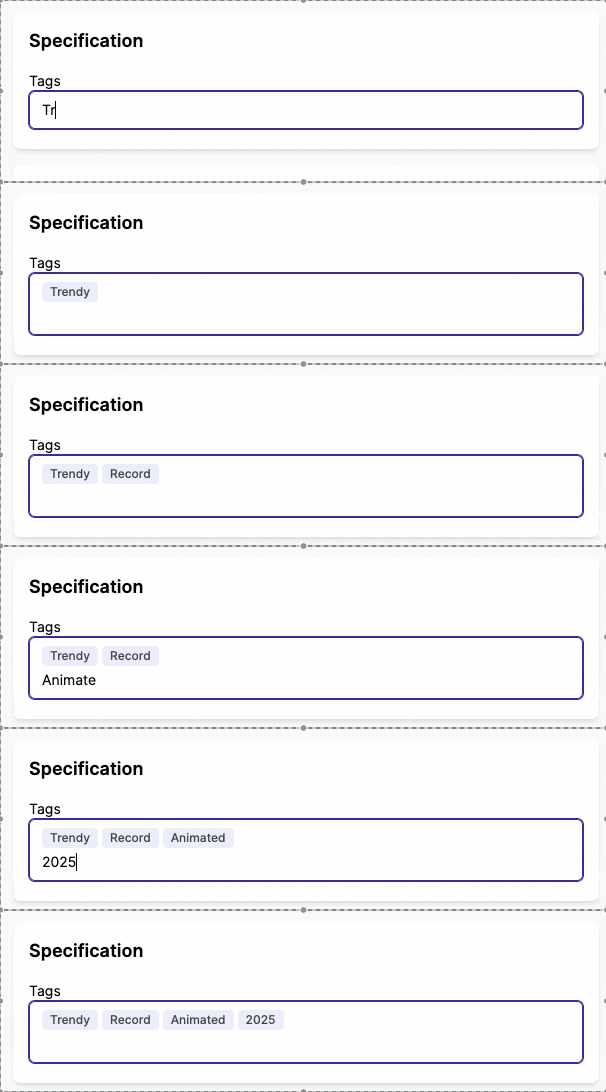
Multiple short text
Vendors can add multiple values as free text. Usually used to replicate a "tag" feature.
File
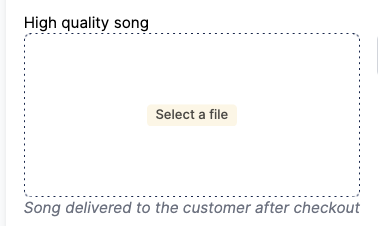
Allows vendors to upload a file. Files can be used as digital assets to be sent to the customer after the order is paid.
Files are stored on Garnet's server and are limited to your Garnet plan.
Date
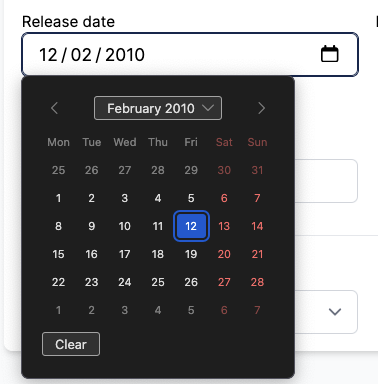
The actual picker can change based on your browser and operating system (Windows, MacOS, etc).
Product reference
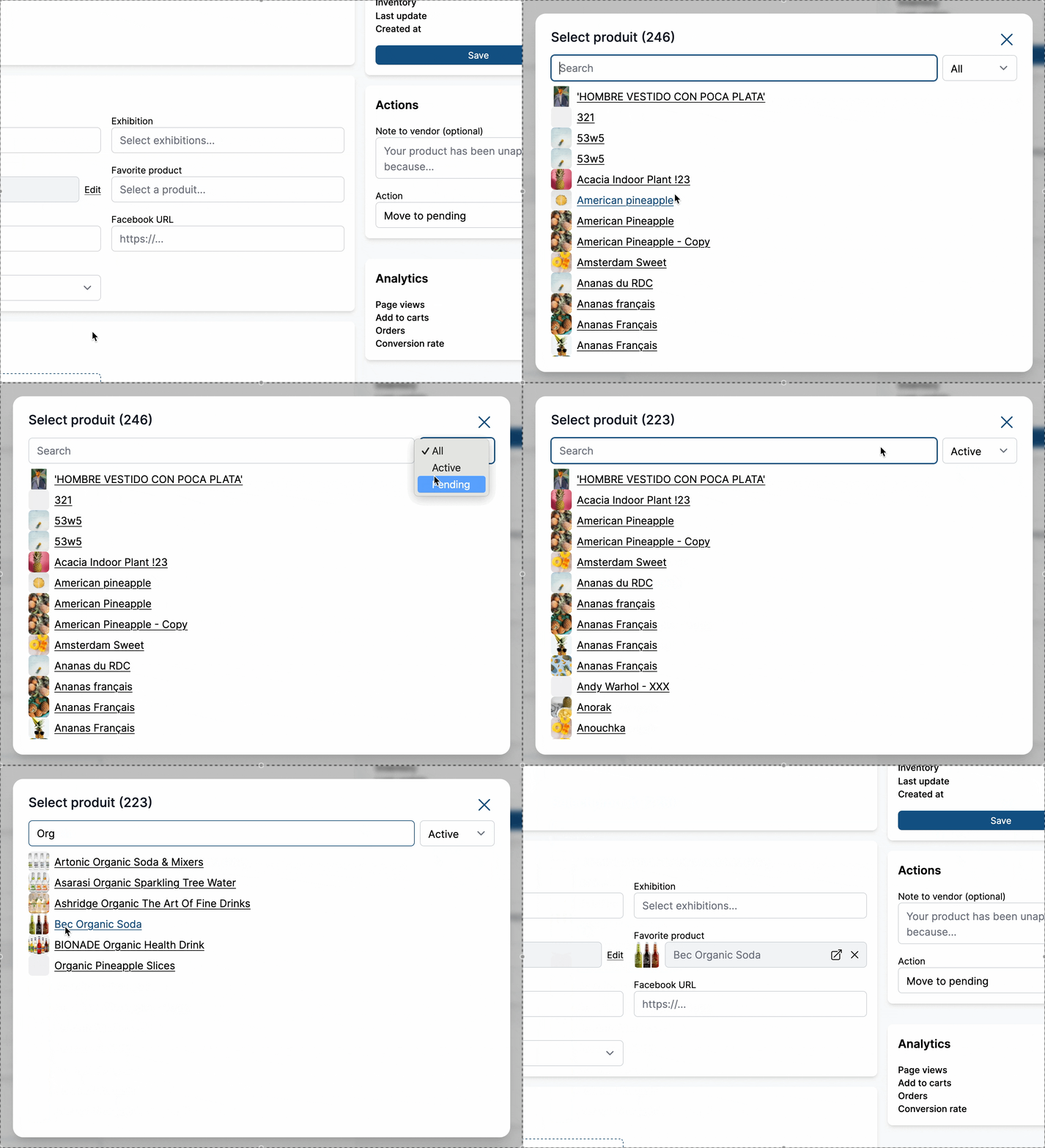
Product references are a link to another product managed by the vendor. The vendor can only link to a product created under their own vendor name.
This can be used to link a product to a bundle, a kit, or a set.
Multiple product references
Similar to the single product reference, but allows vendors to select multiple products. This is useful for bundles, kits, cross-sells, or linking a product to a set of related items.
Vendors search and select products from a modal with checkboxes. Selected products appear as removable chips with their thumbnail.
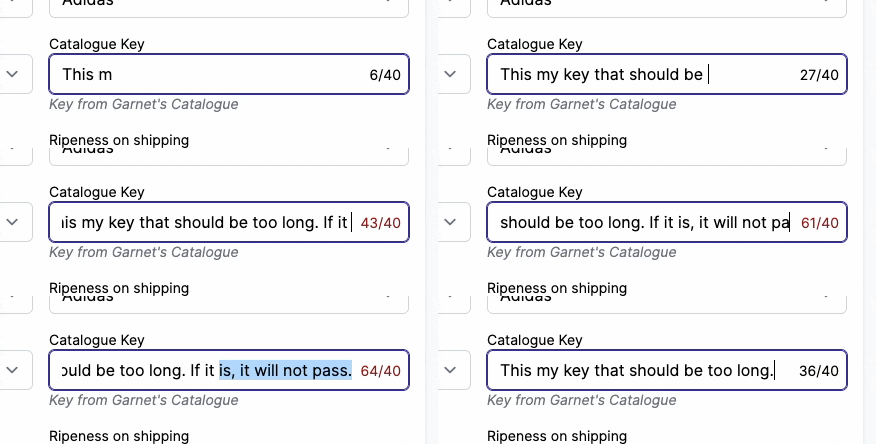
Character limitation
Going to Shopify > Metafields > Products, the admin can add a validation constraint to limit the number of characters. Garnet will show and validate minimum and maximum character limitations.
More
Garnet supports more product field types and formats for some businesses (like calendar booking, product suggestions and more), contact us to learn more about it.