
Vendor messaging
Vendors handle all their customer conversations from within Garnet. This page covers what vendors see and how they keep their inbox organized.
Messages in Garnet
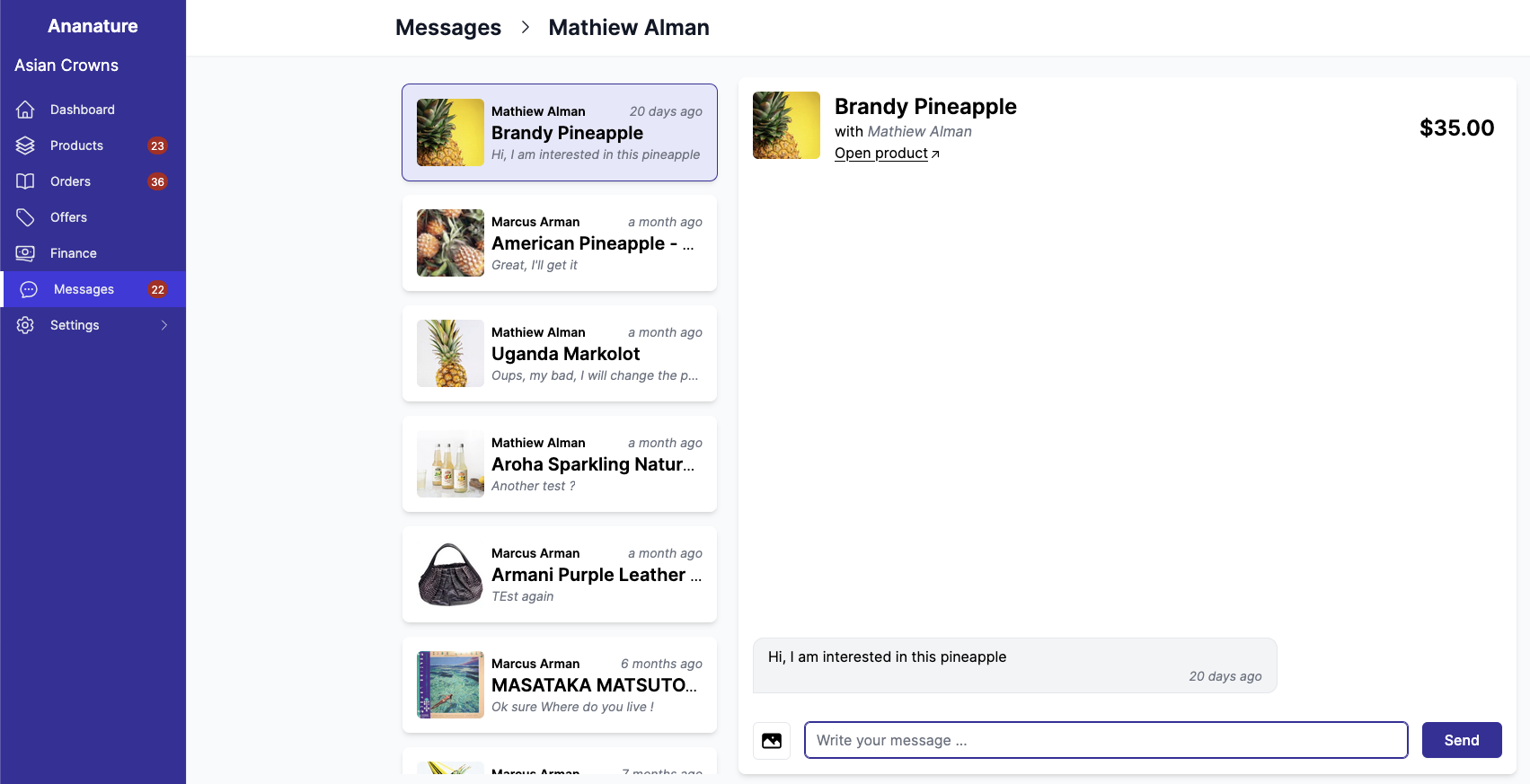
Once messaging is enabled, vendors get a new tab named Messages containing the list of their conversations, plus a widget showing the number of unread messages.
Start a message from an order
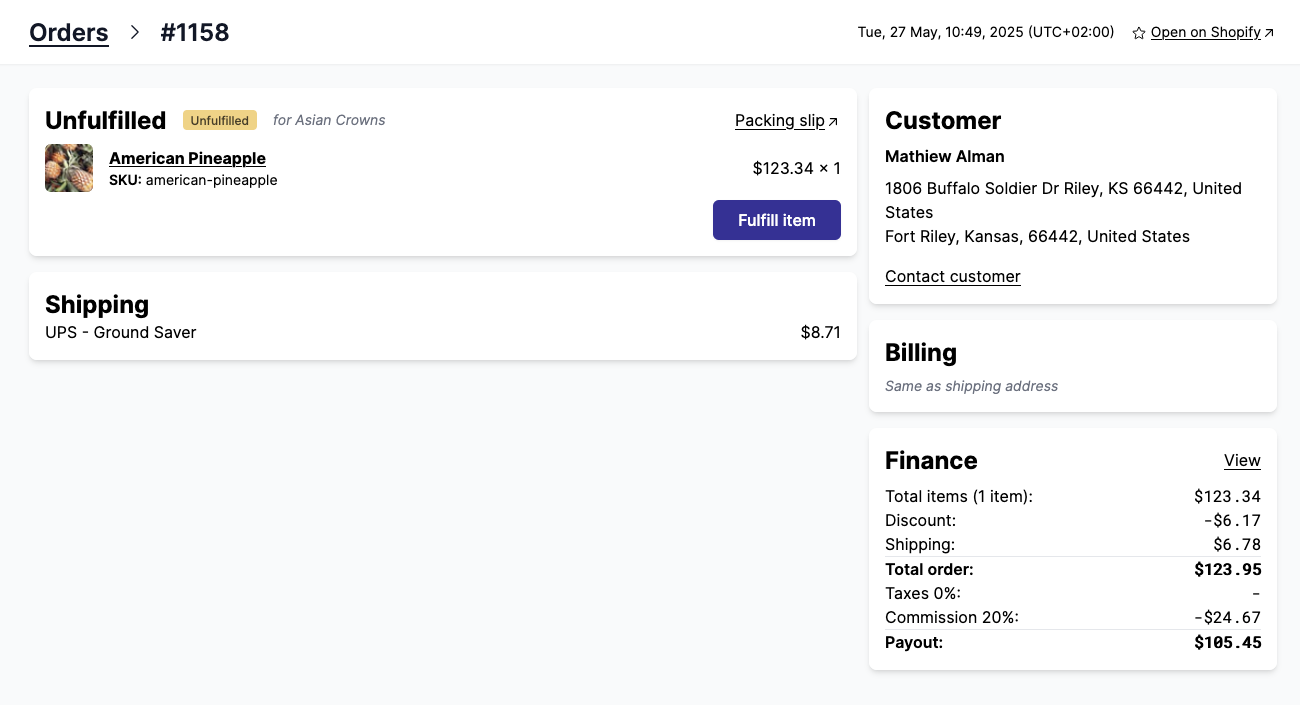
The vendor can message a customer directly from an order. Note that the customer must be connected with a Shopify account.
Search conversations
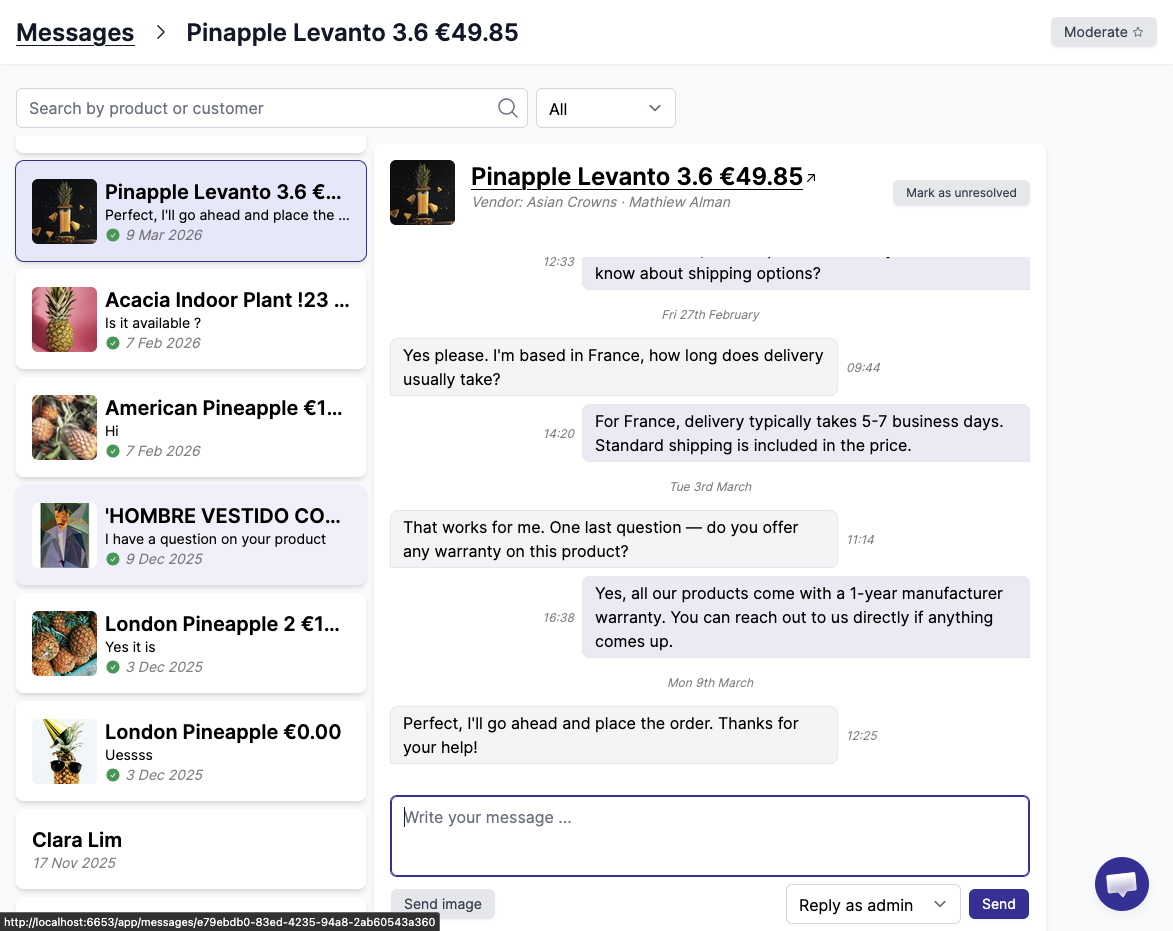
Vendors can filter their messages in past conversations. Search is currently available on the product title and customer name.
Mark as resolved
Vendors can organize their chats by marking them as resolved.
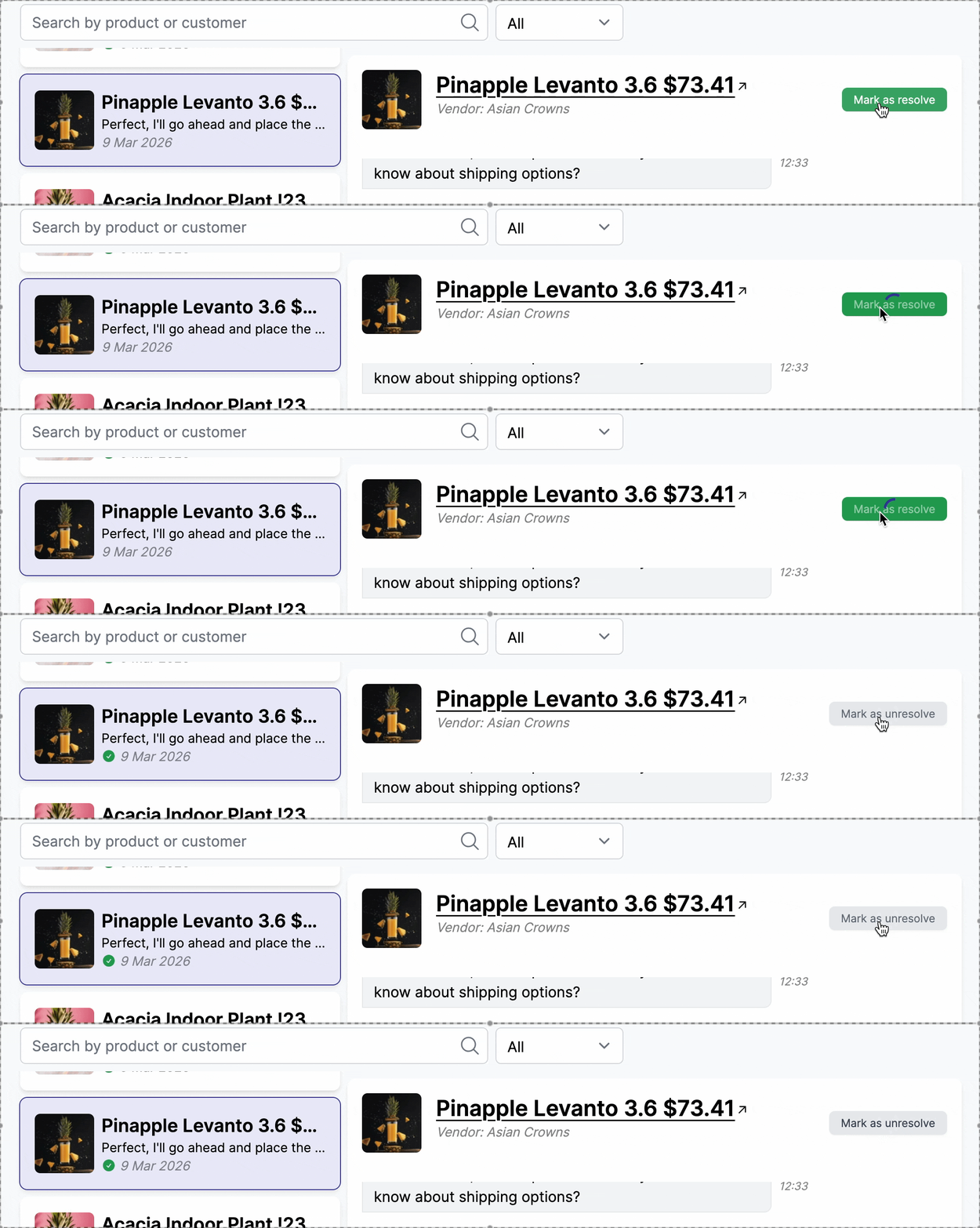
Marking conversations as resolved helps vendors keep their inbox organized and focused on active issues. As the number of conversations grows, unresolved messages can quickly become overwhelming. By resolving handled conversations, vendors can prioritize new requests, reduce response times, and ensure no customer inquiry is missed. If a customer replies to a resolved conversation, it is automatically marked as unresolved again.