Documentation tips
This page covers useful features and tips to help you navigate and use the Garnet documentation effectively.
Sections
The Garnet documentation is organized into several sections:
- Documentation — Step-by-step guides and reference pages covering all Garnet features, from product management to shipping and payouts.
- Blog — Articles on marketplace strategy, best practices, and industry insights.
- Onboarding — A comprehensive guide to setting up your marketplace, from inviting vendors to configuring commission, payouts, shipping, and white label.
- Releases — A changelog of all product updates and new features.
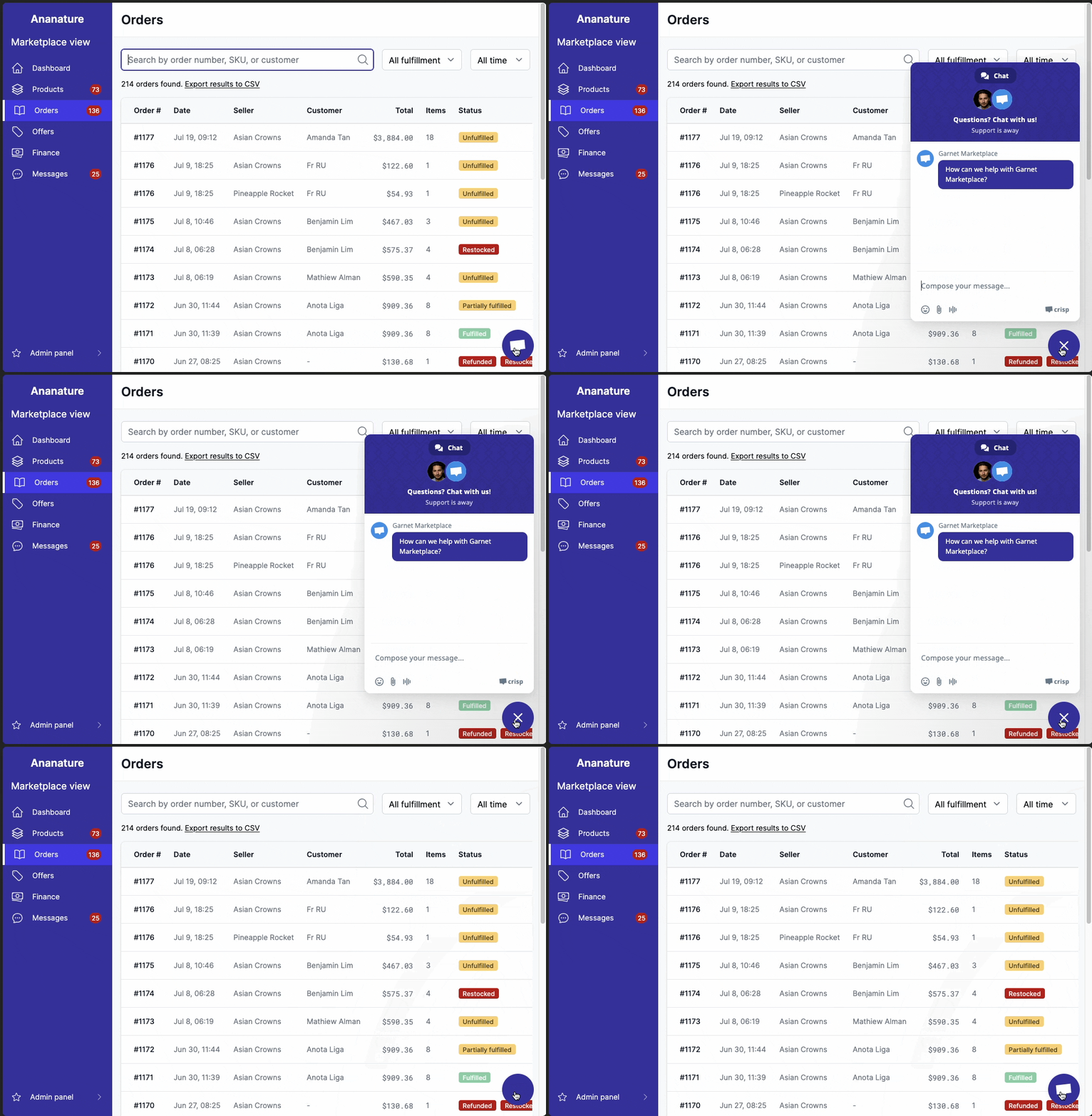
Contact support from the dashboard
Marketplace administrators can contact Garnet Marketplace support directly from the dashboard with the live chat, without leaving the page they are on.
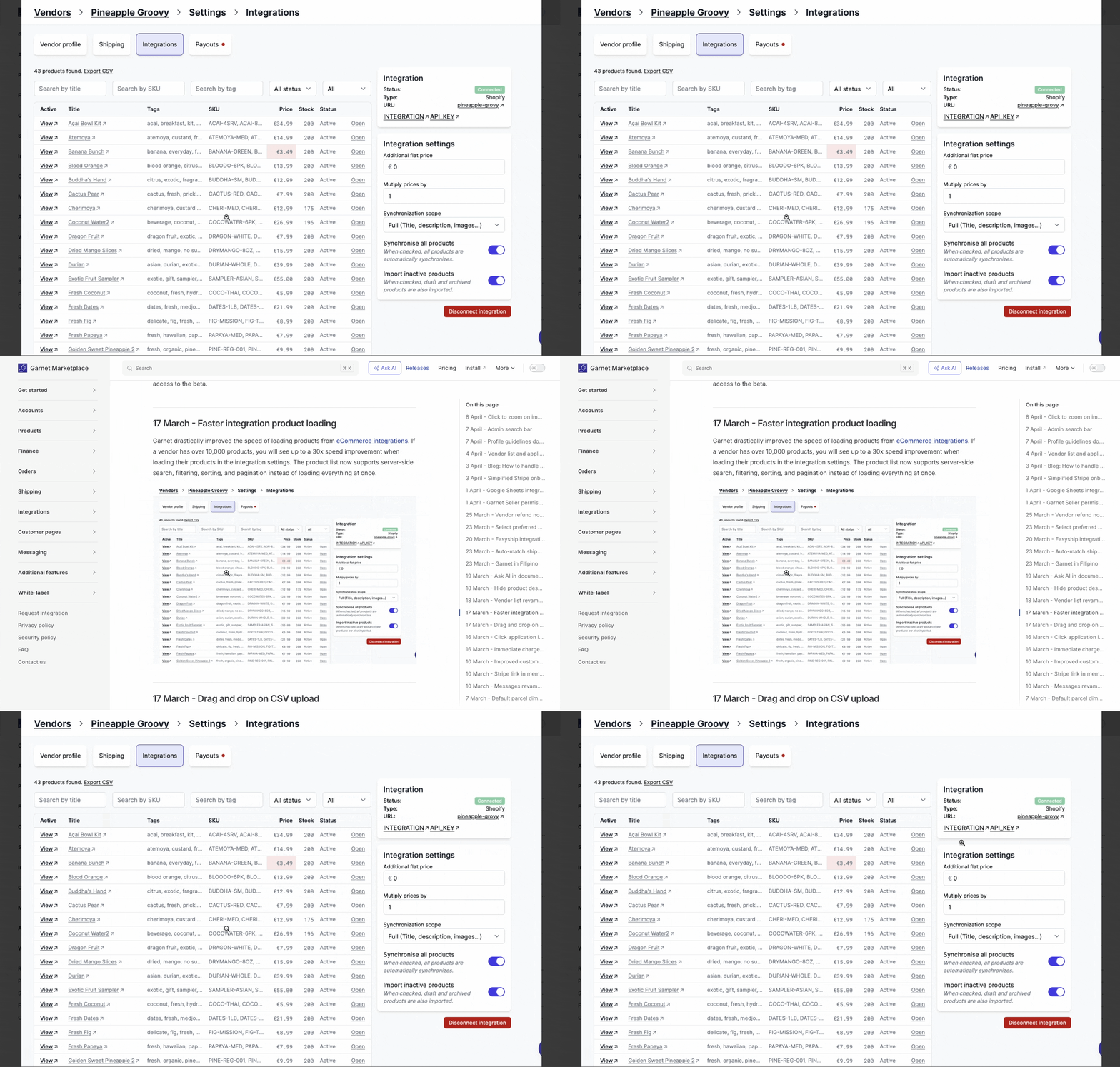
Click on an image to zoom
All images and GIFs in the documentation can be clicked to open a zoomed-in view, making it easier to read screenshots, diagrams, and animations.
Click on a header to copy the anchor link
Click on any section header to copy a direct link to that section. This is useful for sharing a specific part of the documentation with your team.
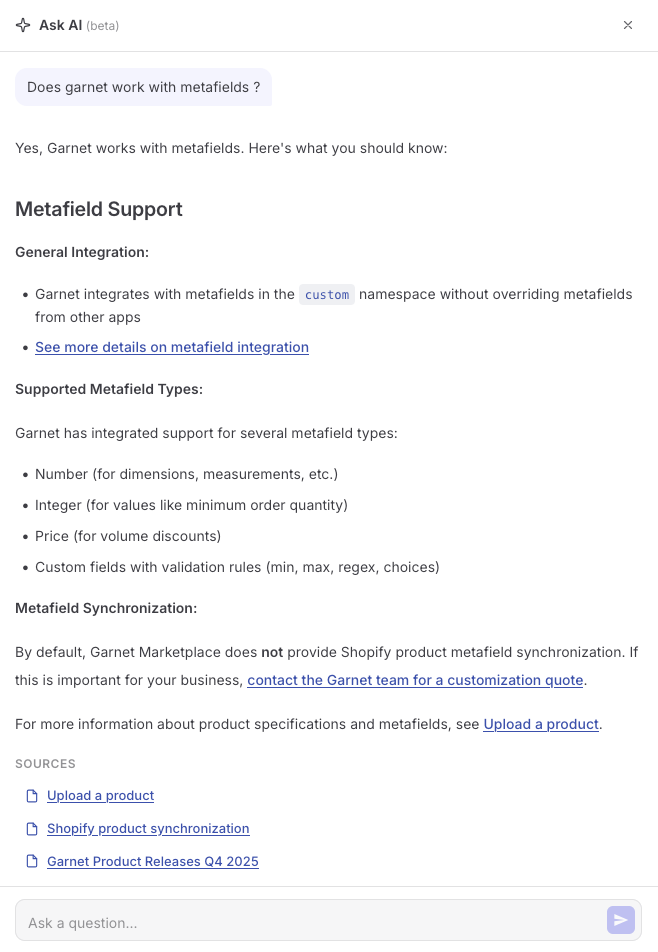
Ask AI
You can ask questions directly in the documentation using the Ask AI button in the navigation bar. The AI assistant answers based on the documentation content and provides links to relevant pages.

View a discussion example