
Vendor notifications
For a general view of email notifications, see the previous page.
Customise email templates
You can customise email in Garnet > Admin panel > Vendors > Notifications, select the email you want to customise, and display the HTML view. From here you will be able to edit the email sent to the vendors to add your branding.
If you are using a tool to generate the HTML, you can simply copy/paste the results in the input.
Email templates use Nunjucks as their templating engine. All the variables available are coming from Shopify's data structure. So for instance {{ params.order_number }} will display the order number such as #1234.
Email customization
Vendor notifications are sent directly to the vendors, hence the marketplace may want to customise them to add their own branding.
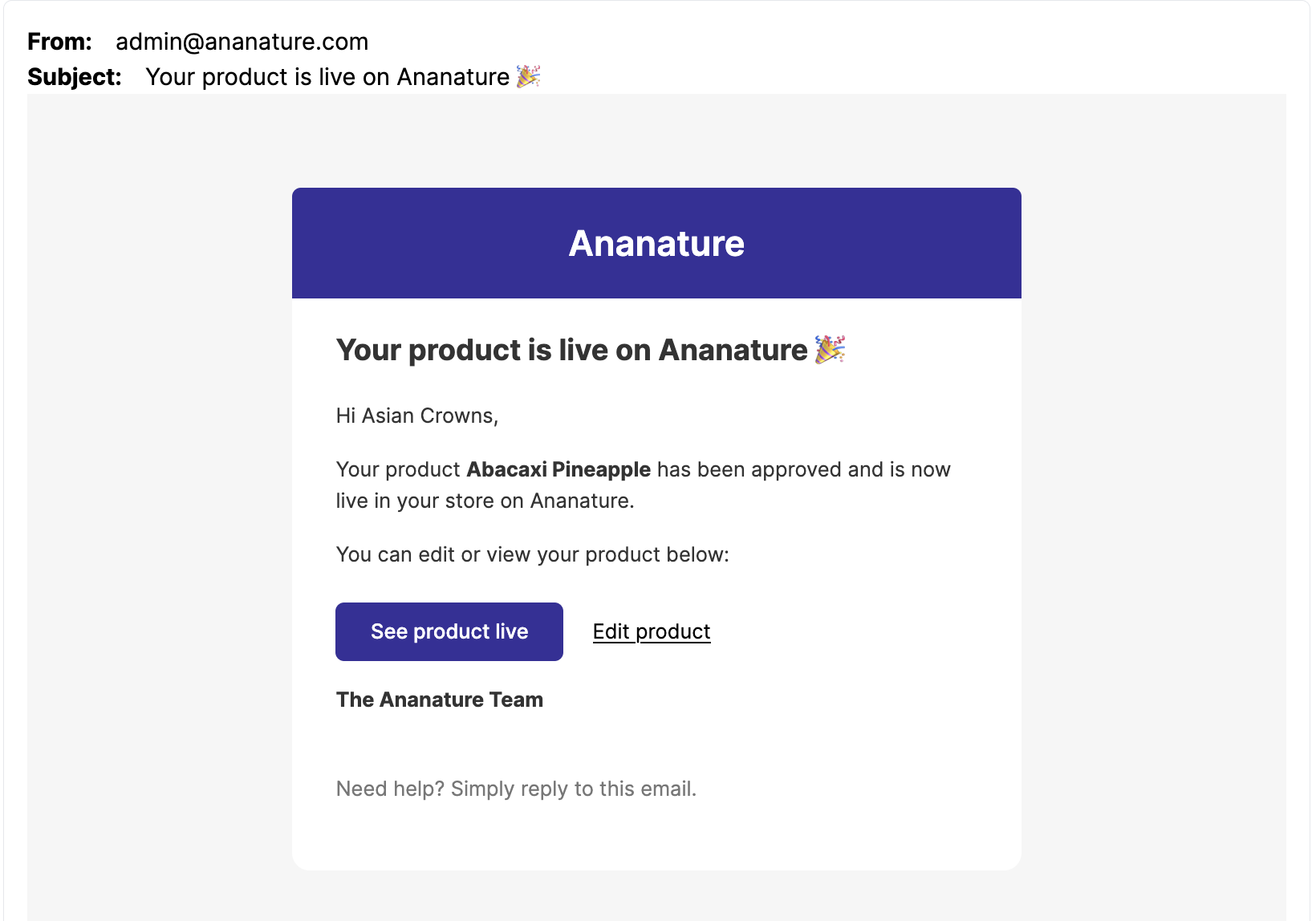
You can see the email design by clicking customise next to the email. For instance here is the email sent on each product approval:
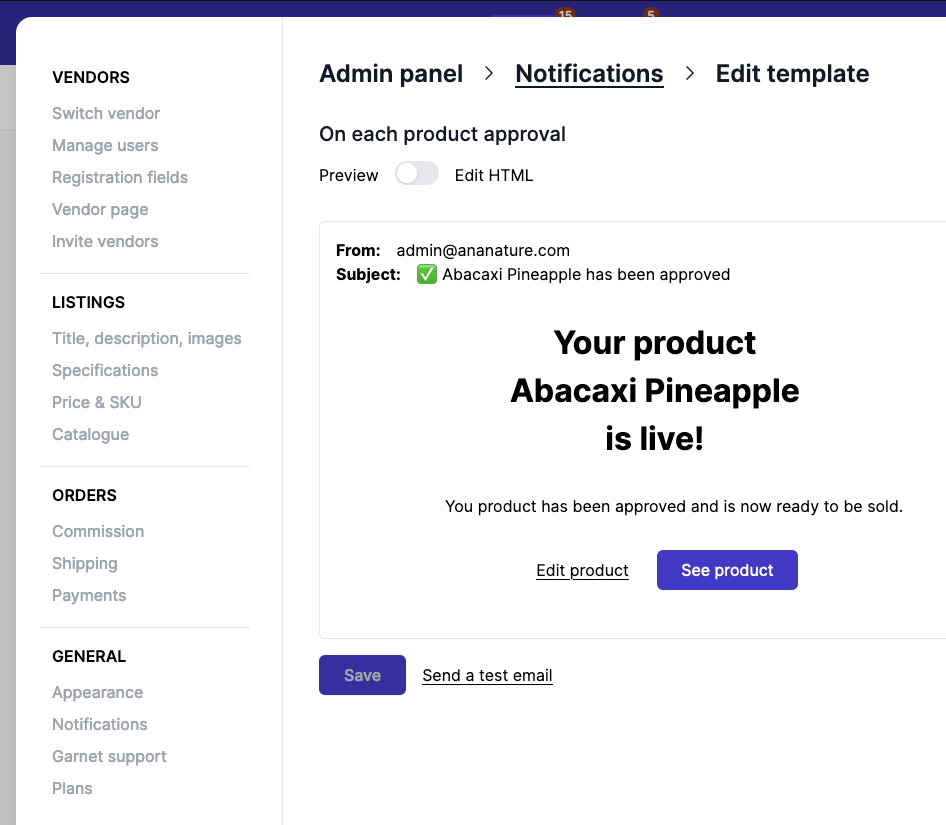
Garnet provides pre-defined email templates that are:
- White labelled, there is no mention of "Garnet" in the body, subject, no sender.
- Minimalist, the design is kept as simple as it can be to accommodate most marketplaces.
- With emoji in subject, we found out that vendors were more reactive when the subject starts with an emoji.
Emails come from the marketplace
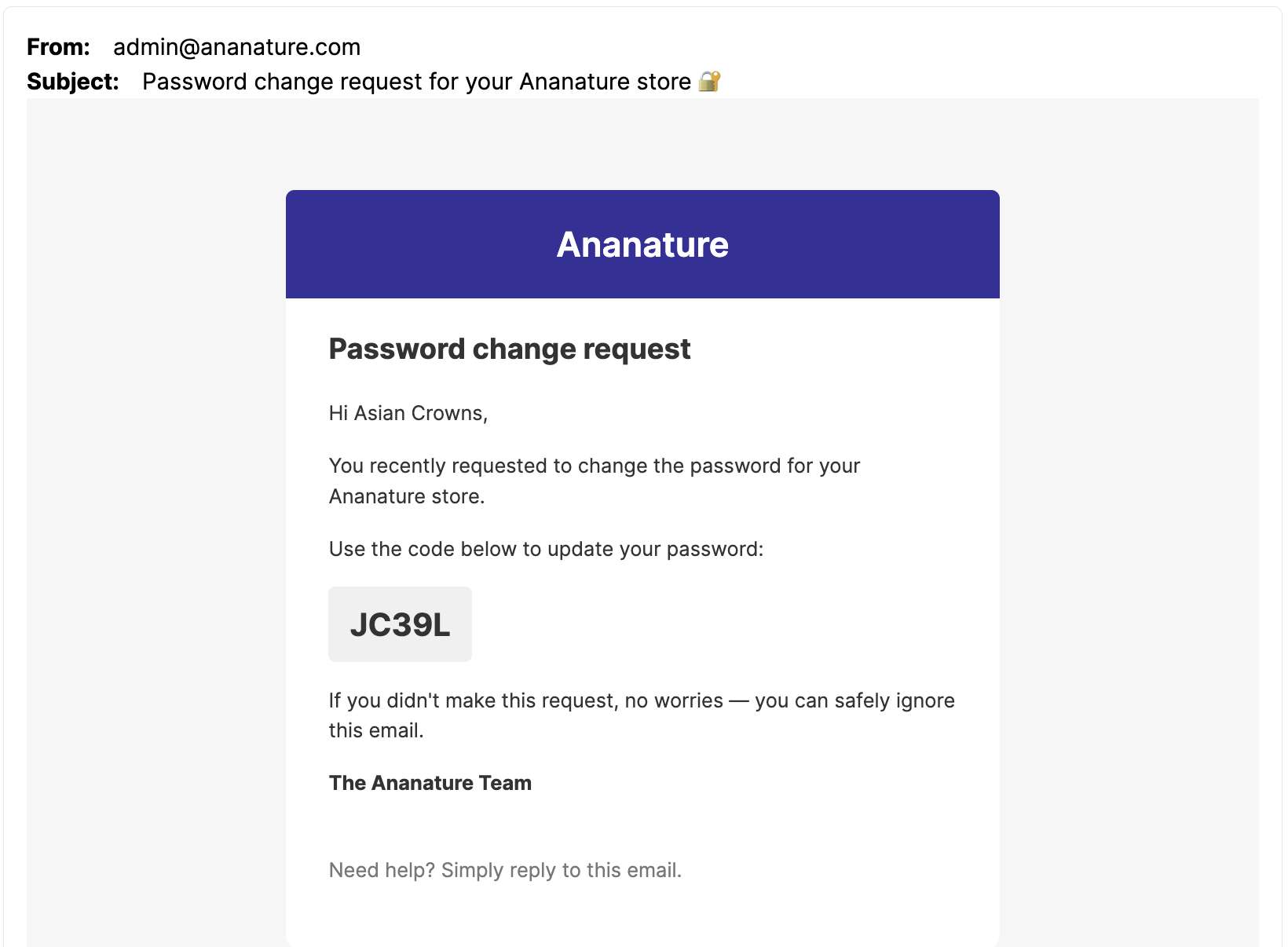
By default, vendors emails are sent to vendors using the marketplace administrator email. In the example below, the email is sent from admin@ananature.com (the marketplace) to the vendor.
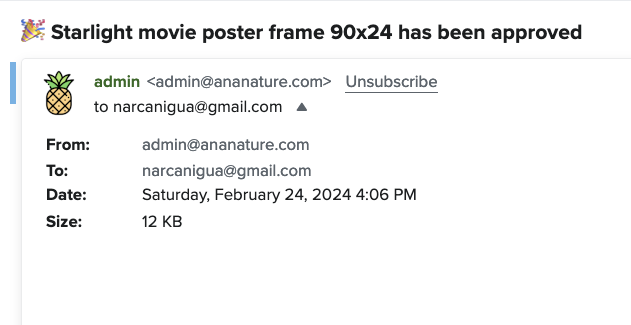
You can use your own DMARC and deliverability reputation by using one of our email integration.
Choose which emails a vendor receives
By default every vendor receives the emails enabled in Admin panel > Vendors > Notifications. To change it for one vendor, go to Garnet > Vendors > (vendor) > Notifications. The card shows the current state:
Marketplace Default: the vendor follows the marketplace settings,No notifications: the vendor receives no email at all,Custom: some emails are turned off for this vendor.
Click Edit and pick one of the three options. With Custom, the emails currently enabled by the marketplace are listed and you can untick the ones this vendor should not receive. No notifications is the same as unticking all of them.
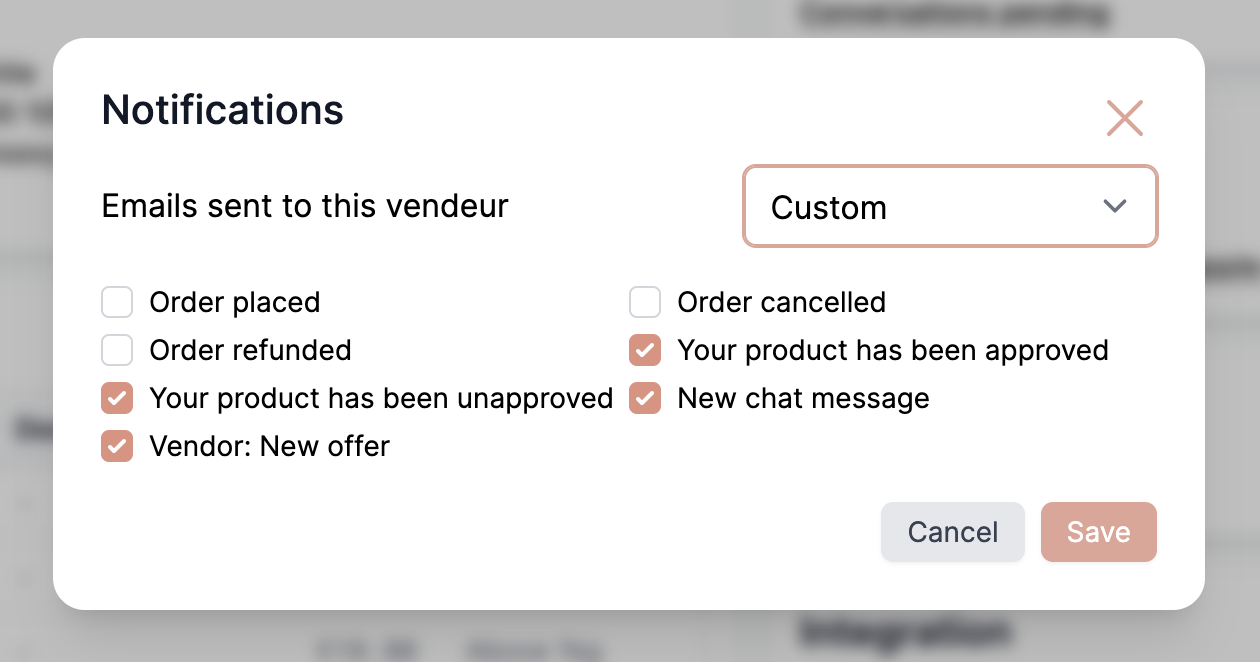
Only the emails delivered to the vendor's users are listed: orders placed, cancelled or refunded, product approved or unapproved, new chat message and new offer. Emails sent to customers or to applicants are not affected. The marketplace's Disable all email notifications switch still applies to every vendor, whatever their own setting.
Grouped emails
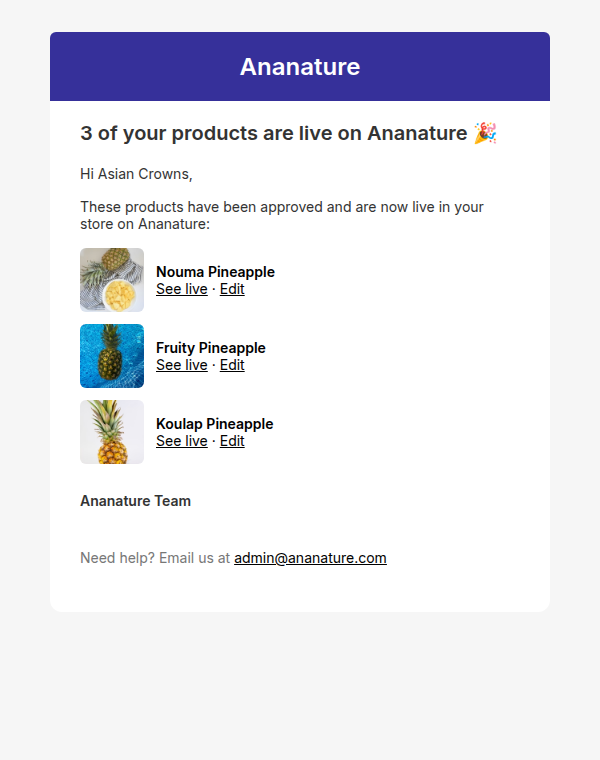
When several events happen within 5 minutes, Garnet sends one email instead of one per event. Inboxes stay readable when you moderate products in bulk, and your emails are less likely to be flagged as spam.
- Product approved and Product unapproved: the vendor receives one email listing every product, with its image and, for unapproved products, your note.
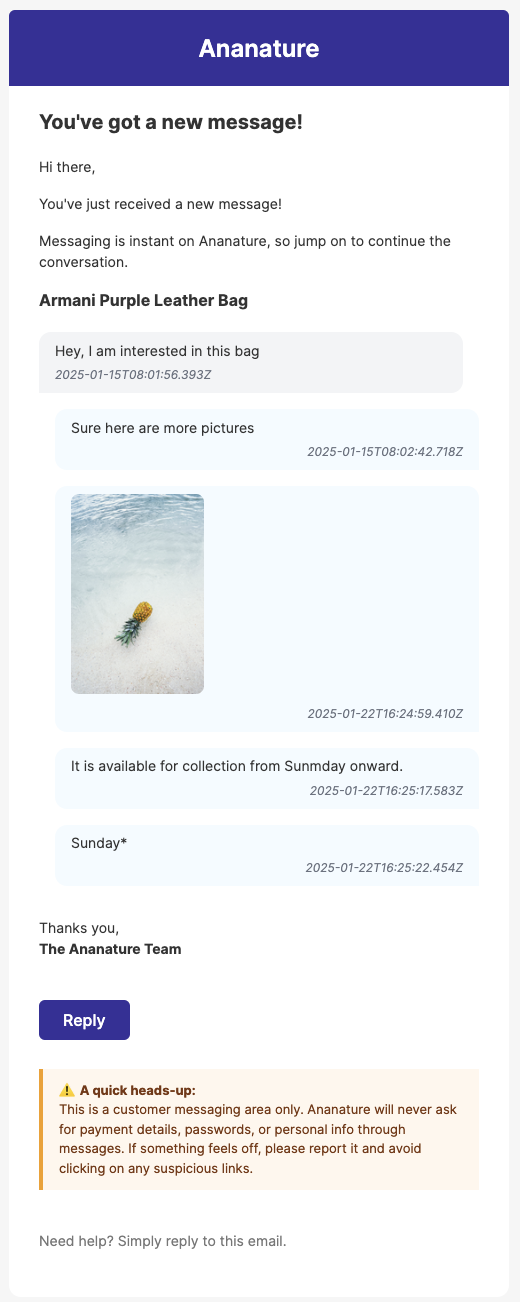
- New message received: one email per conversation, showing the latest messages. This also applies to the emails sent to customers.
- New product pending for approval, sent to you: one email listing the submissions of every vendor. See marketplace notifications.
A single event still sends the usual email, so one approval looks exactly as before. Grouped emails can arrive up to 5 minutes after the action. Marketplaces sending through Klaviyo receive every event as before, so they can group them in their own flows.
Custom templates
If you customised the Product approved or Product unapproved email, list the products of a grouped email with the items variable. Each product has its title, image, id, and handle for approved products or note for unapproved ones:
html
{% if items %}
<p>{{ items | length }} of your products are live:</p>
{% for product in items %}
<img src="{{ product.image }}" width="64" /> {{ product.title }} {% endfor %} {% else %}
<!-- your email for a single product -->
{% endif %}
A custom template without this list is replaced by Garnet's default template for grouped emails, so your vendors always see every product. We added it to the custom templates of active marketplaces on 9 October 2026.
All email previews
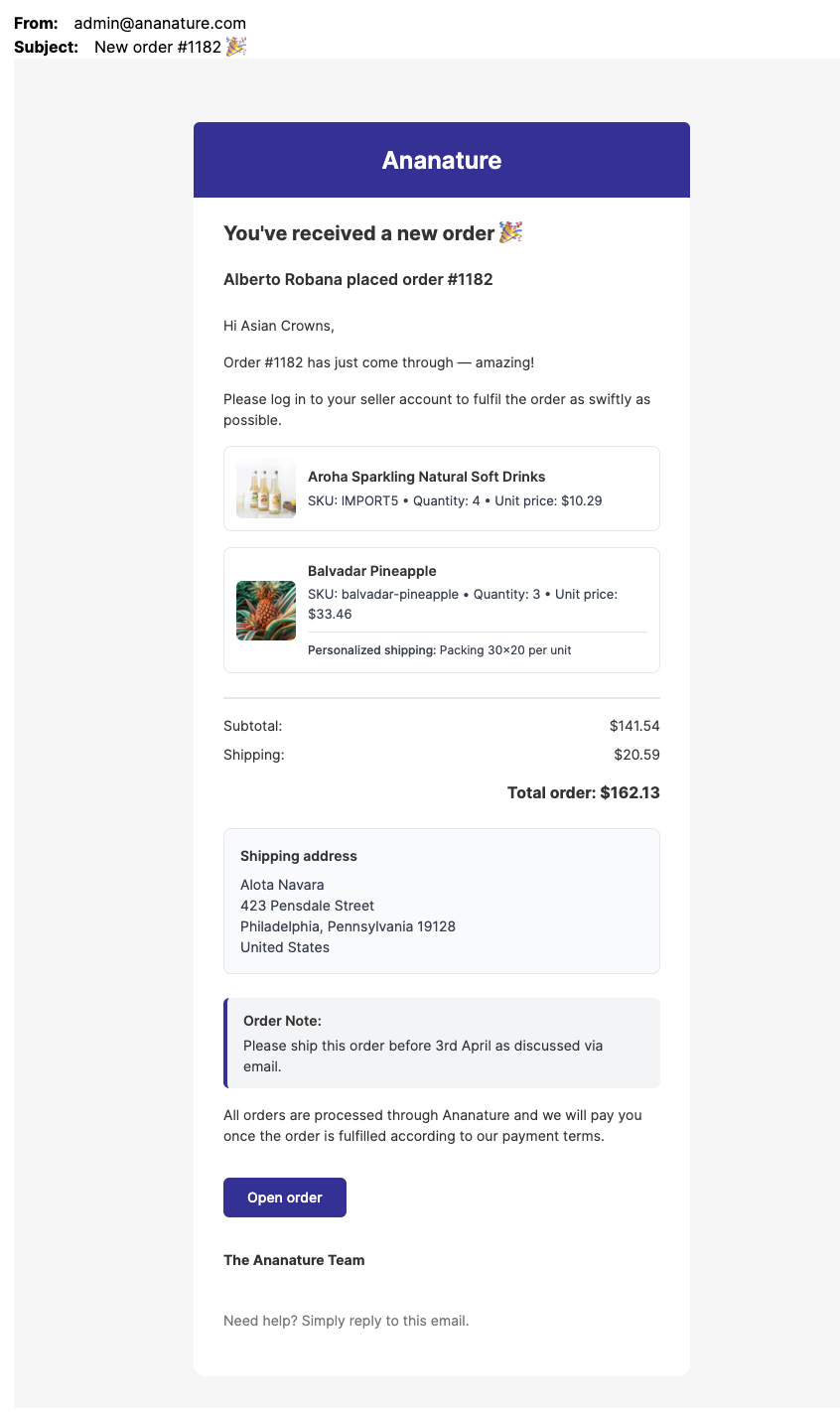
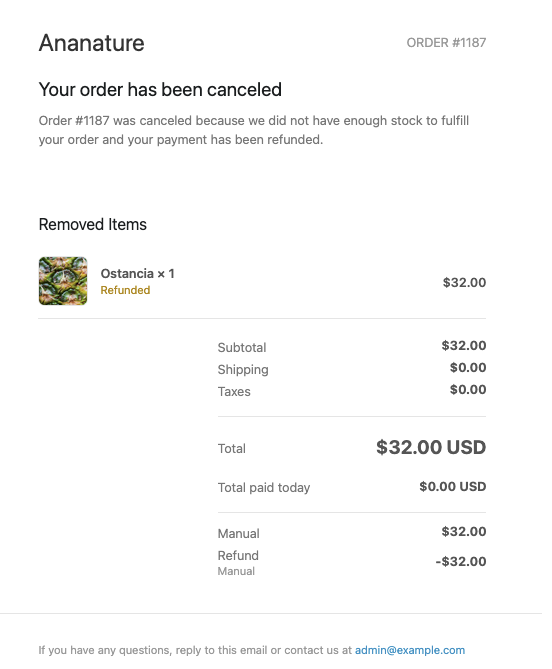
You can find here a screenshot of all vendors email as of August 13th 2025. We continually improve them so they might changed from now.
If you edit an email template, the email will not be updated by Garnet Marketplace. If you did not touch the design of the email, it will be Garnet's default.
Invite user email
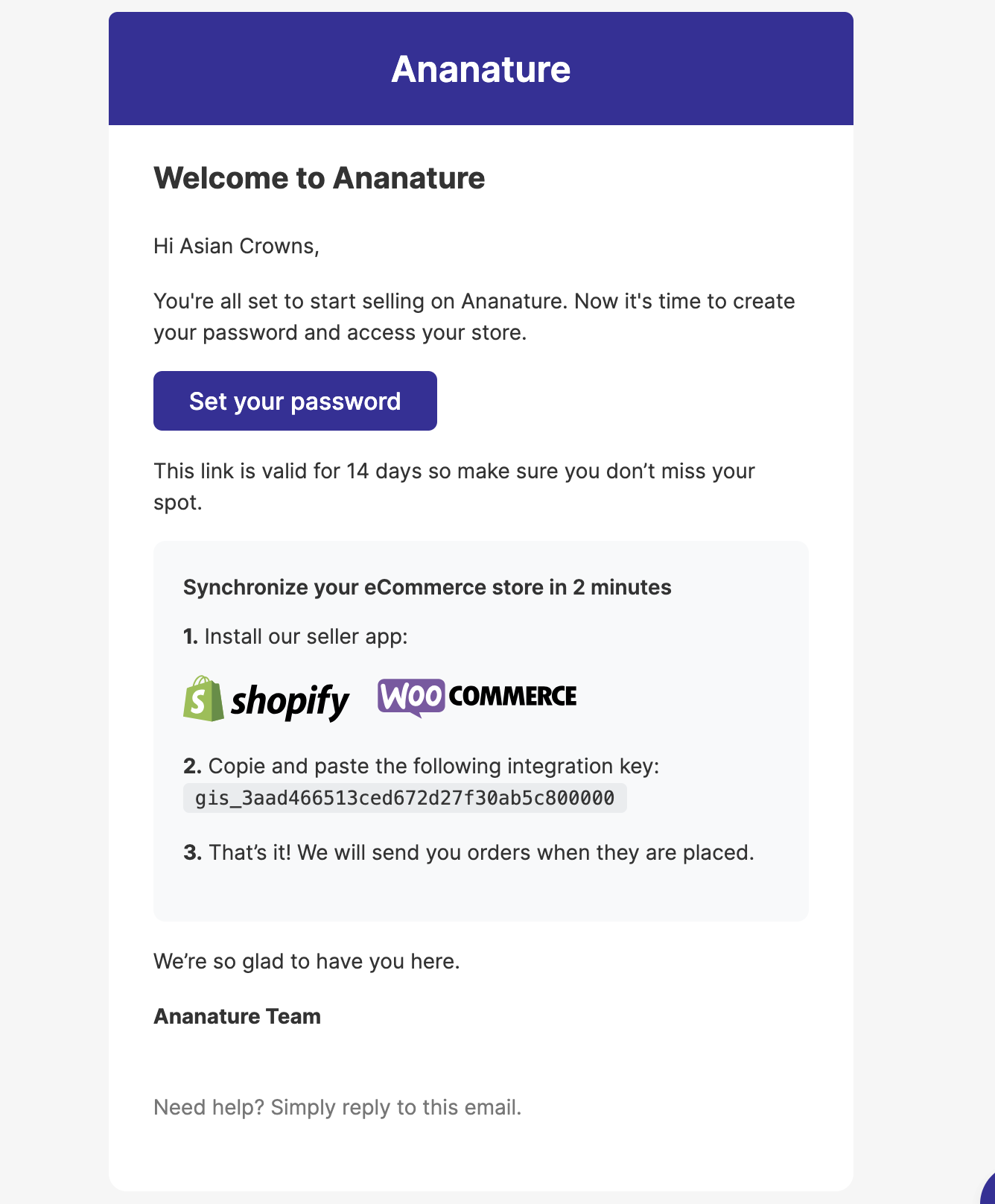
Verify email

Change password
Order placed
Order cancelled
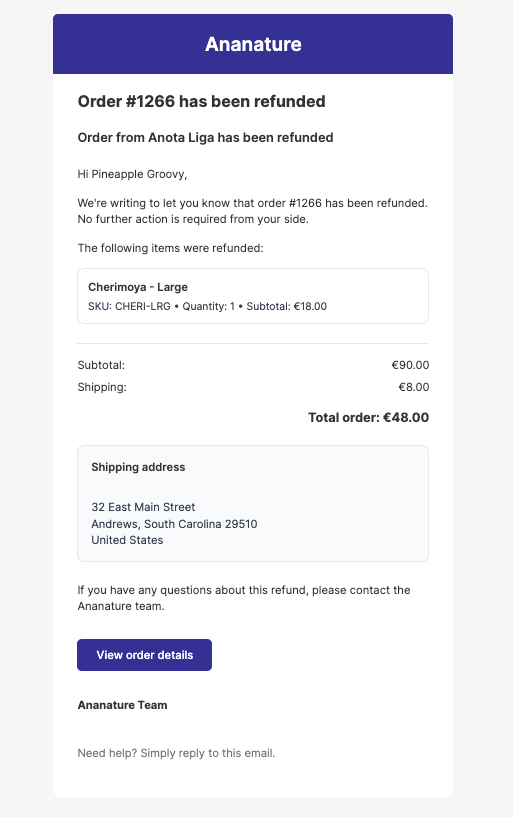
Order refunded
Product approved
Product unapproved

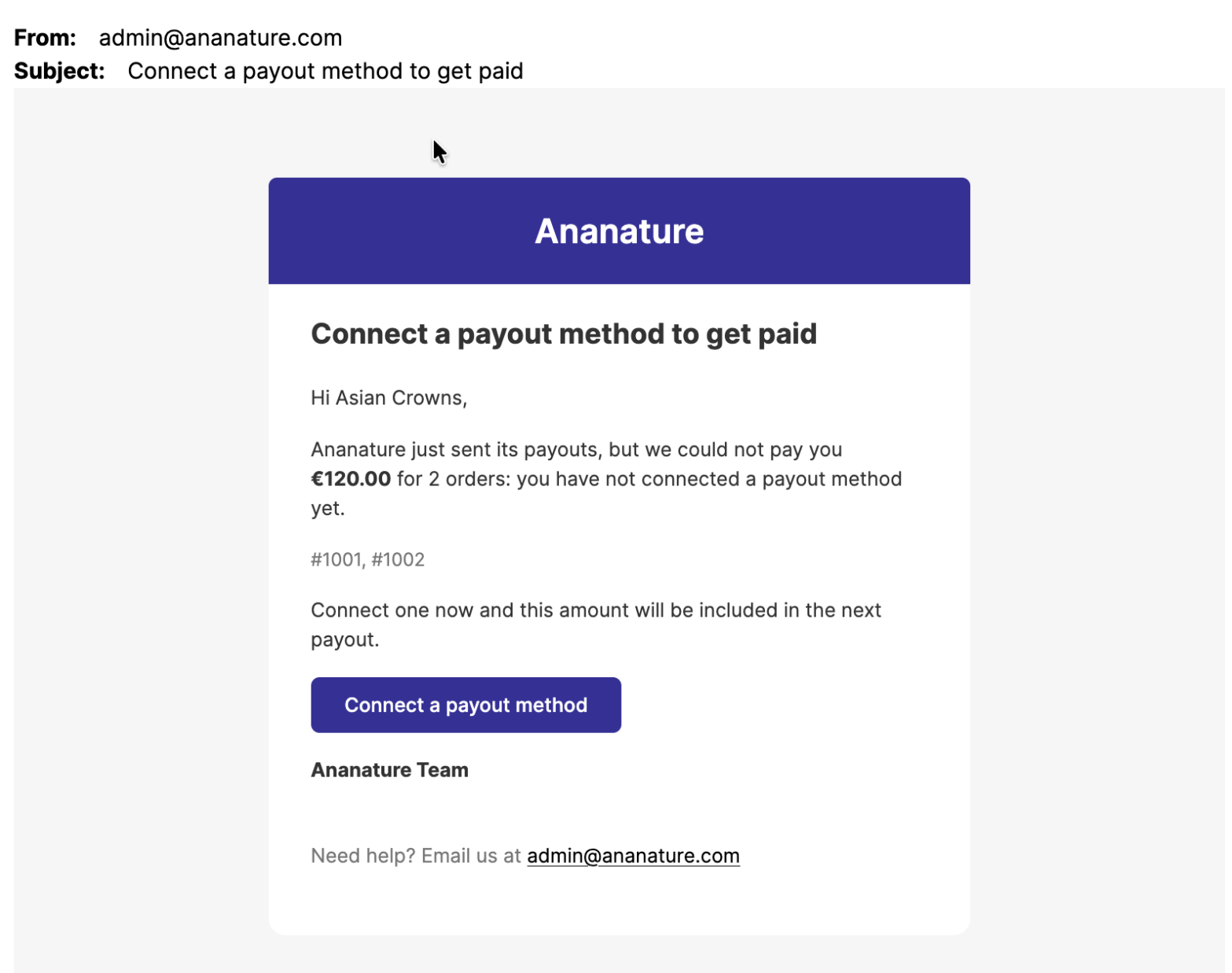
Payout method missing
Sent when the marketplace sends its payouts and skips the vendor because they have not connected a payout method. It tells them the amount and the orders left unpaid, with a button to connect a payout method: the amount is paid with the next payout.
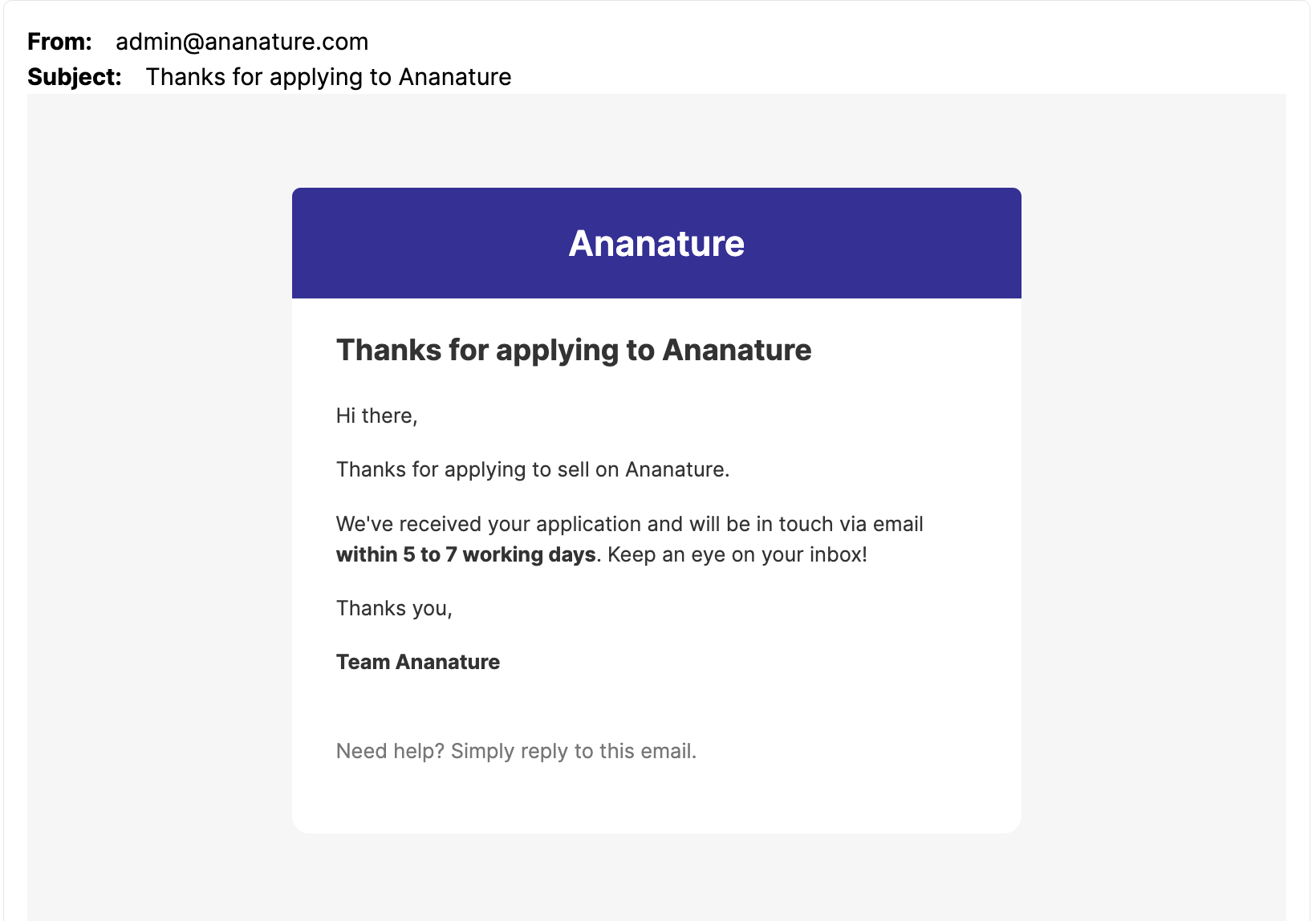
Application received
Application rejected
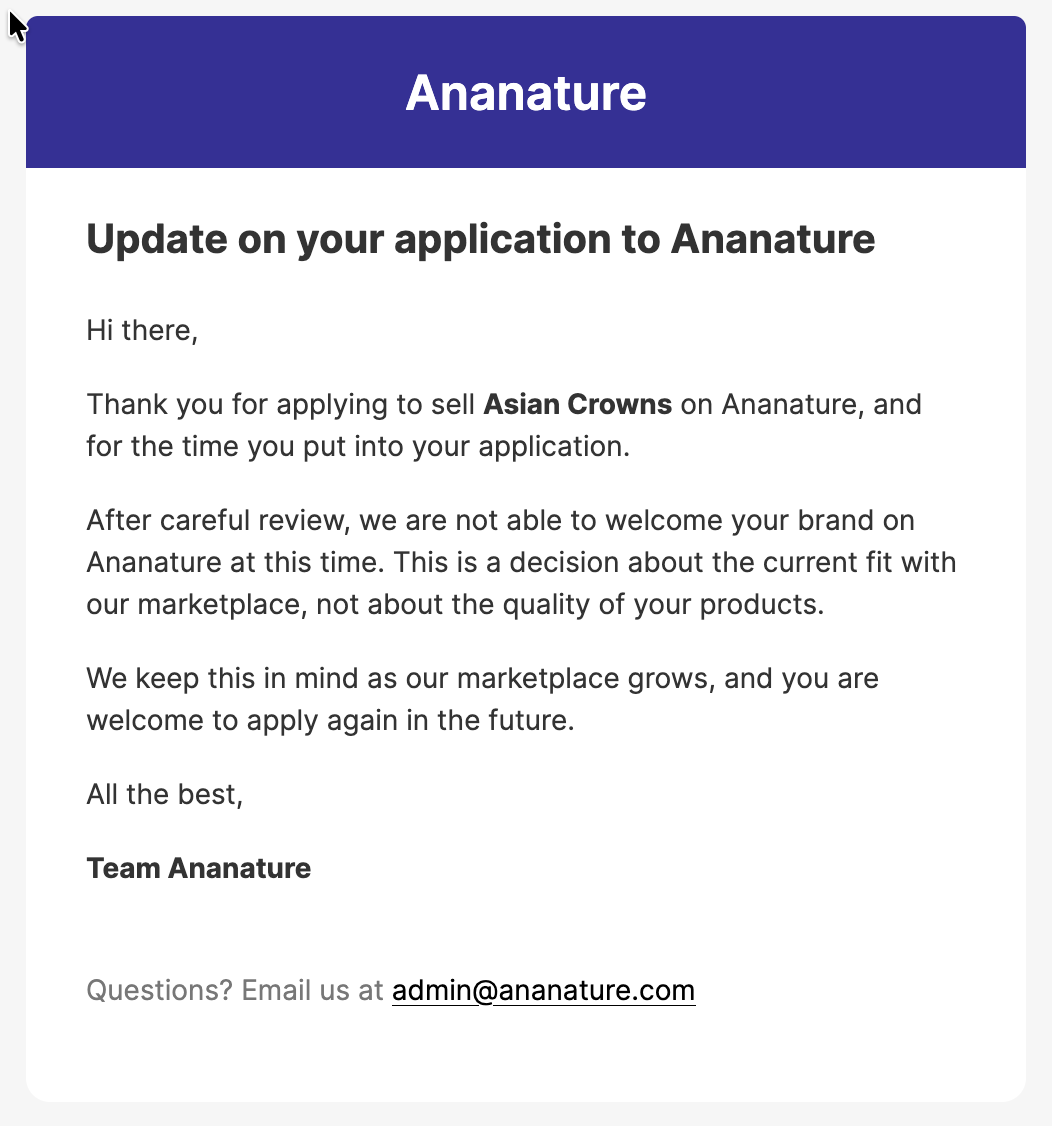
Sent to the applicant when the marketplace rejects their application. Same layout as Application received, with a short note that the brand is not a fit for the marketplace at this time and that they are welcome to apply again.
New message received
Data for notifications
Data directly comes from Shopify's order data and product data, based on the notification content.