
Prestashop integration
Integration scope
- ✅ Easy install with Garnet Seller
- ✅ Product synchronisation
- ✅ Order synchronisation
- ✅ Fulfilment status
- ✅ Tracking synchronisation
Supported Prestashop versions: 1.7.x, 8.x, 9.x.
Product synchronisation delay
Prestashop does not allow real-time synchronisation for product updates. The product synchronisation can be at most a 20 minutes late.
Install Garnet Seller addon
The vendor need to install our Prestashop addon to get onboarded in minutes.
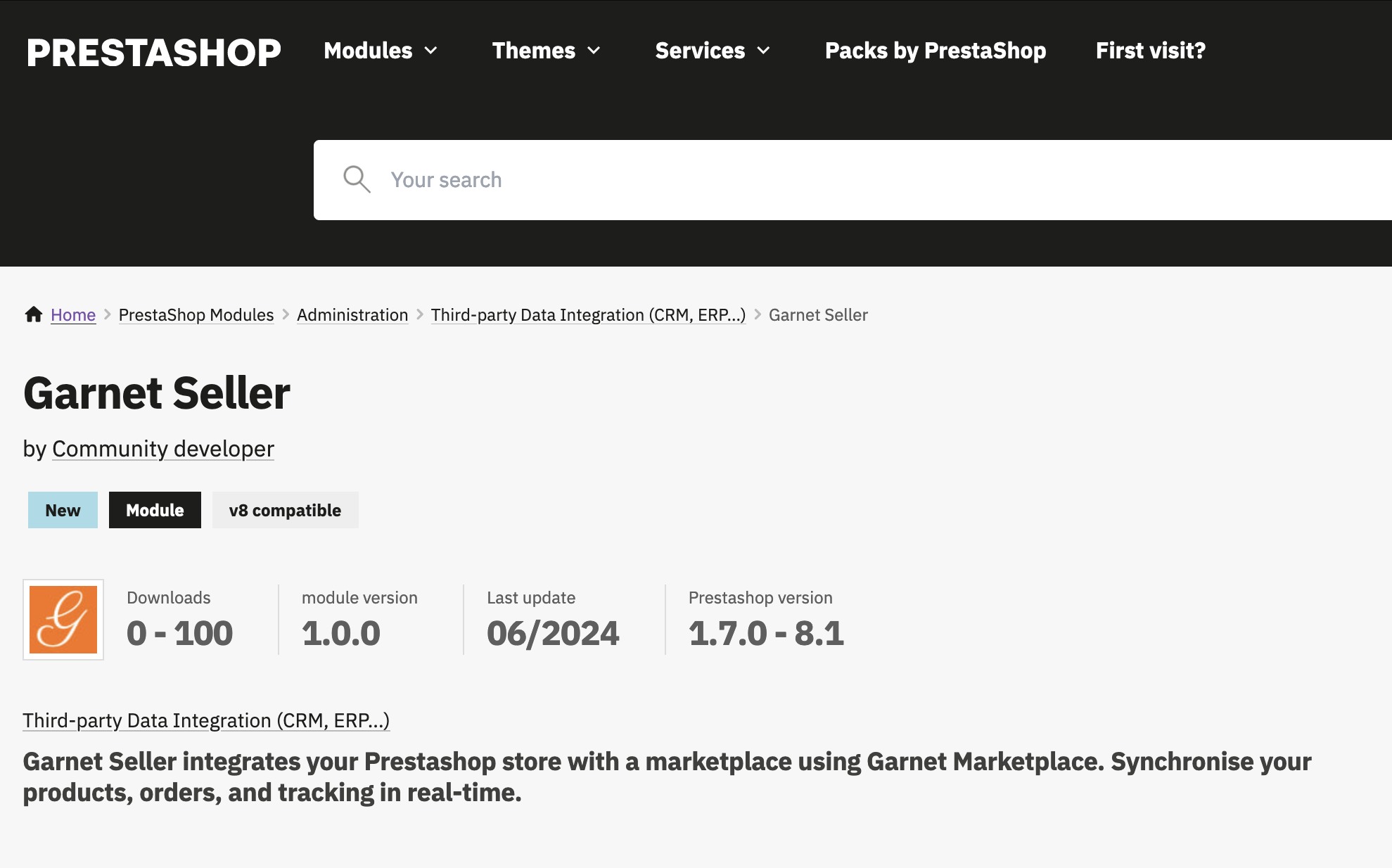
When the addon is installed, they need to copy/paste the integration code in Garnet > Settings > Prestashop > Integration key.
The app comes at $69.99 (one-time payment) before Prestashop fees.
Set the API key in Garnet Seller
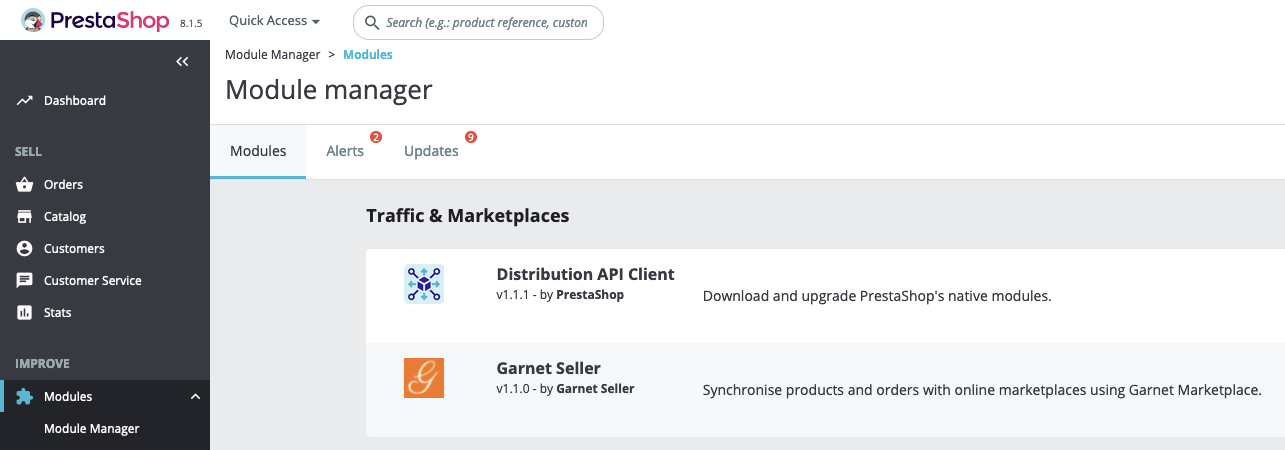
Once installed, Garnet Seller can be found in Prestashop > Module > Module Manager > Configure.
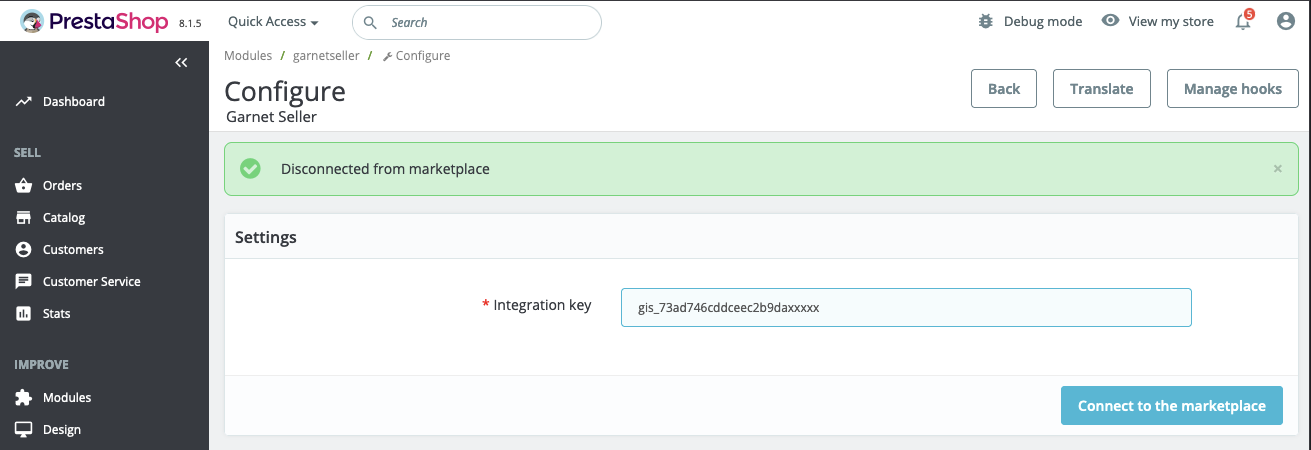
Then paste the API Key provided by the marketplace:
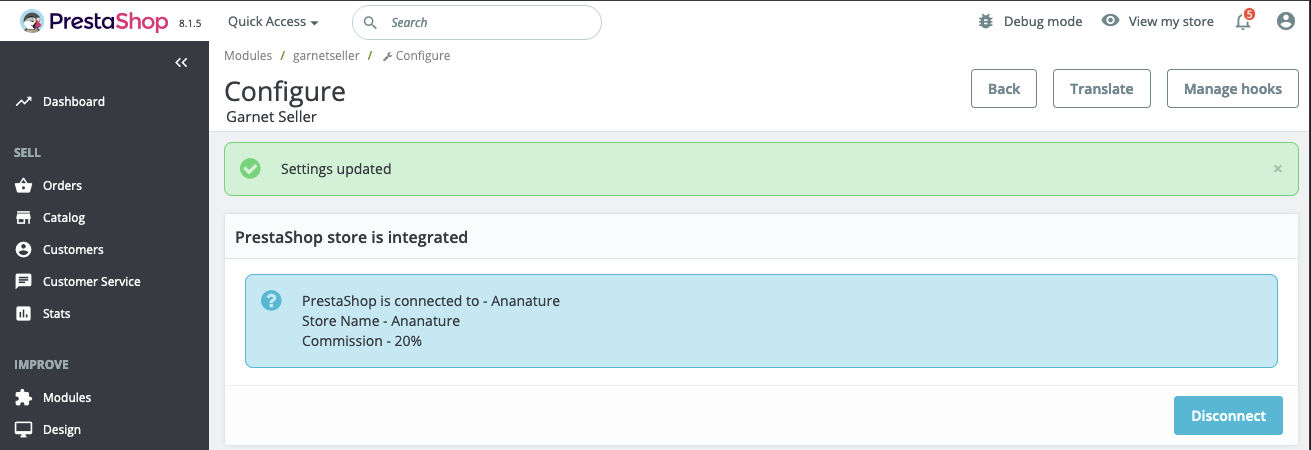
Once the API key is pasted, the integration is live. All products will be sent to the marketplace. Once an order is placed, the order will be created in Prestashop.
API Key Connection
For advanced users who prefer to connect using an API key directly, Garnet will provide a form where you can paste your PrestaShop API key.
Ensure that Prestashop's webservice feature is turned on and that the api key is live.
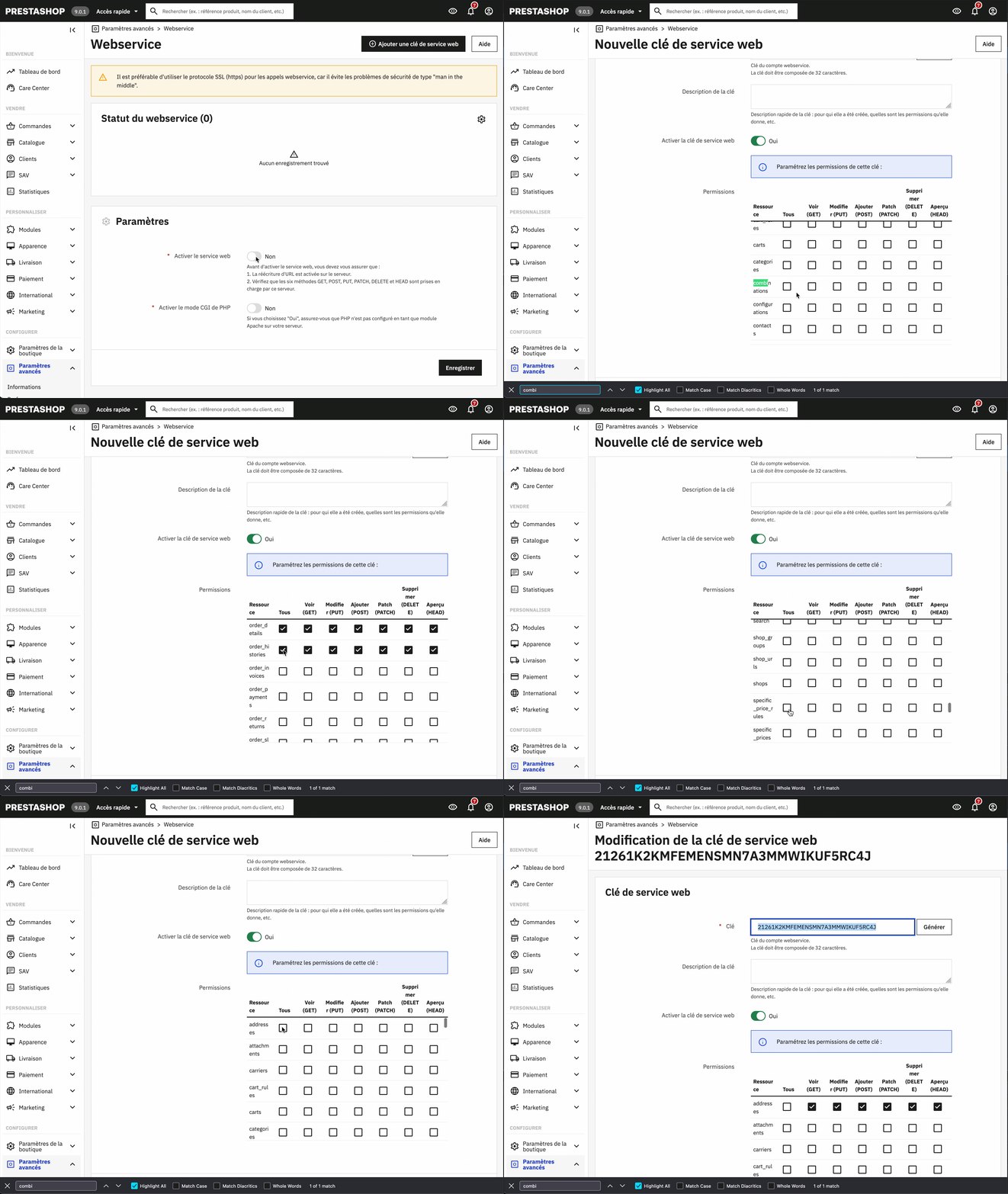
How to create an API Key
As you can see this process is a bit cumbersome. We are discussing with Prestashop to make our app free and greatly simplify the onboarding process.
Required API Permissions
The API key will need to have at least the following permissions:
| Permission | Methods | Rationale |
|---|---|---|
addresses | POST, PUT | Create customer addresses, update if changed |
carriers | GET | Access carrier to create orders |
categories | GET | Access product categories |
carts | POST | Create shopping carts |
cart_rules | GET | Create shopping carts |
combinations | GET | Access product combinations/variations |
customers | GET, POST | Read customer information and create new customers |
customer_messages | GET, POST | Read and add Marketplace information to order |
customer_threads | GET, POST | Read and add Marketplace information to order |
images | GET | Access product images |
orders | GET, POST | Read order information and create new orders |
order_carriers | GET, PUT, POST | Access and set carrier information for tracking |
order_details | POST | Create order line items when needed |
order_histories | GET, POST | Read order history and create new entries |
products | GET | Access product catalog |
product_options | GET | Read product options to create variations |
product_option_values | GET | Access product option values to create variations |
specific_prices | GET | Access specific prices to compute total prices |
stock_availables | GET, PUT | Read and update product stock quantities |
tags | GET | Access product tags to select products before the sync |
tax_rule_groups | GET | Access tax rules to compute total prices |
These permissions ensure that Garnet can properly synchronize products, manage orders, and handle customer data between your PrestaShop store and the marketplace.
Required Configuration from Vendor
The vendor must provide the following information to complete the integration:
- Shipping carrier ID - The PrestaShop carrier ID to use when creating orders
- Order status - The order status to assign to newly created orders
- Payment module - The payment module to use (default:
ps_wiretransfer)
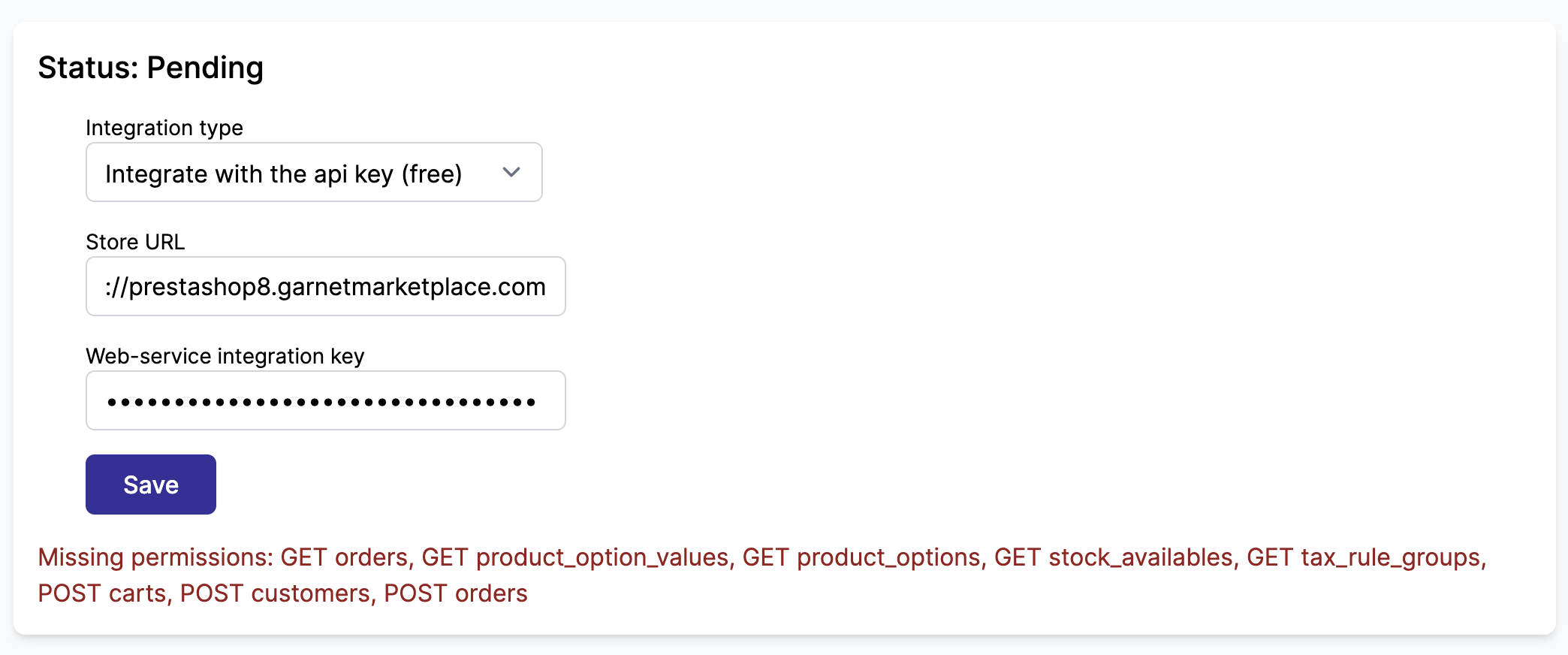
Validate permissions
Garnet Marketplace will automatically validate the vendor's API key permission before the integration is linked.
Limitations
The vendor must ensure to:
- Use the same default currency as the marketplace
- Enable all countries supported by the marketplace. It can be edited in
Prestashop > International > Zone Géographique > Pays - Prestashop "Special prices" feature is not supported
- Deleted products on Prestashop will be deleted on the marketplace within 24h.
Order creation
Garnet Marketplace will create the order directly in Prestashop, forwarding the customer information while obfuscating the customer email. When a tracking is added to the order, it will be forwarded to the marketplace within 4 hours.
How to locate marketplace orders
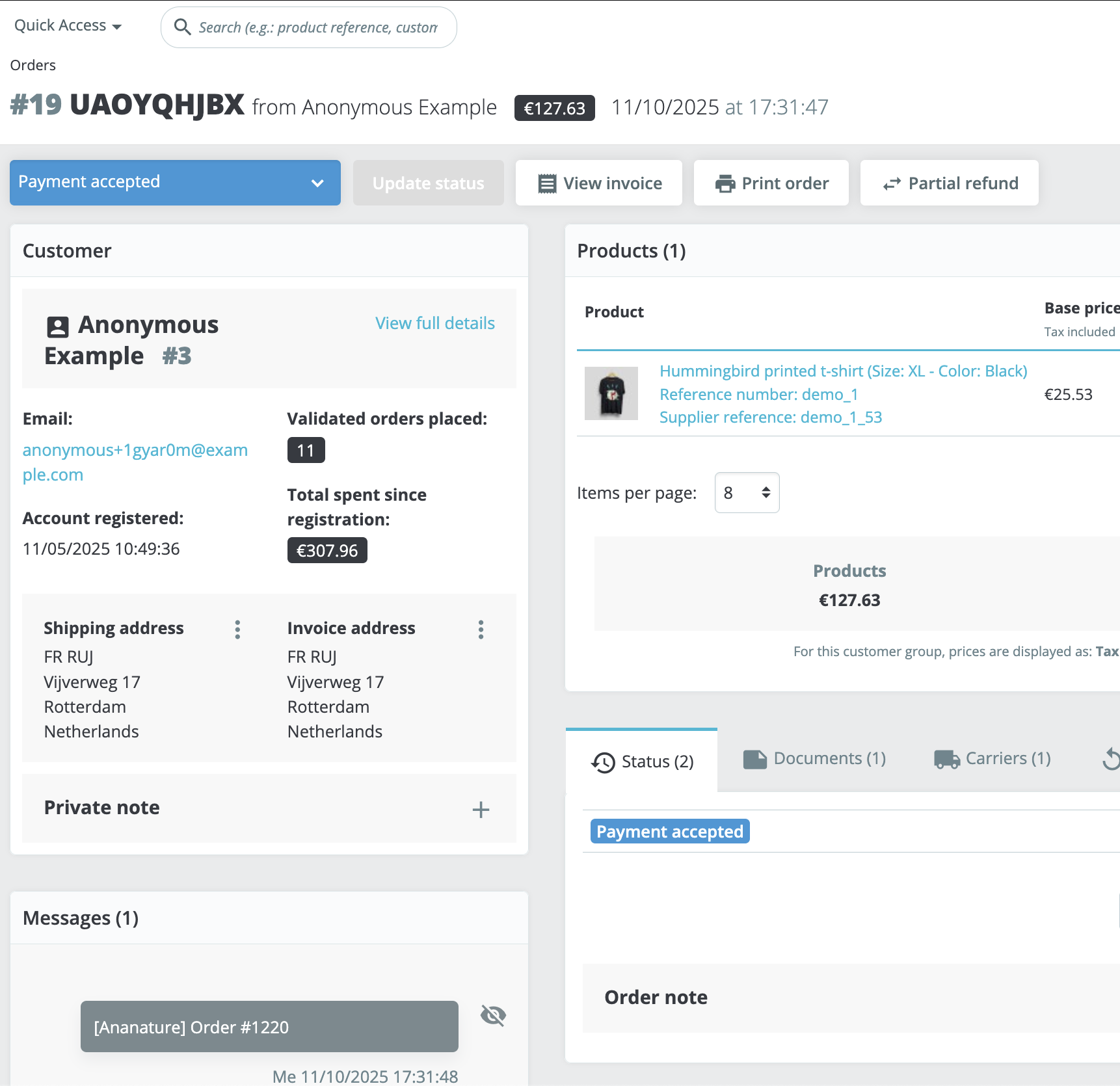
Each order created by the marketplace contains the marketplace name and order number in the note field, formatted as MyMarketplace [#1042]. The payment method is also set to the marketplace name.
Additionally, a customer message is added to the order with the subject [MyMarketplace] Order #1042, making it easy to search and filter marketplace orders in Prestashop > Customer Service.