Manual payout
Often marketplace start by paying their vendor manually outside of Garnet, usually using wire transfer or instant payment solutions. We will see here how you can mark these transactions as paid in Garnet.
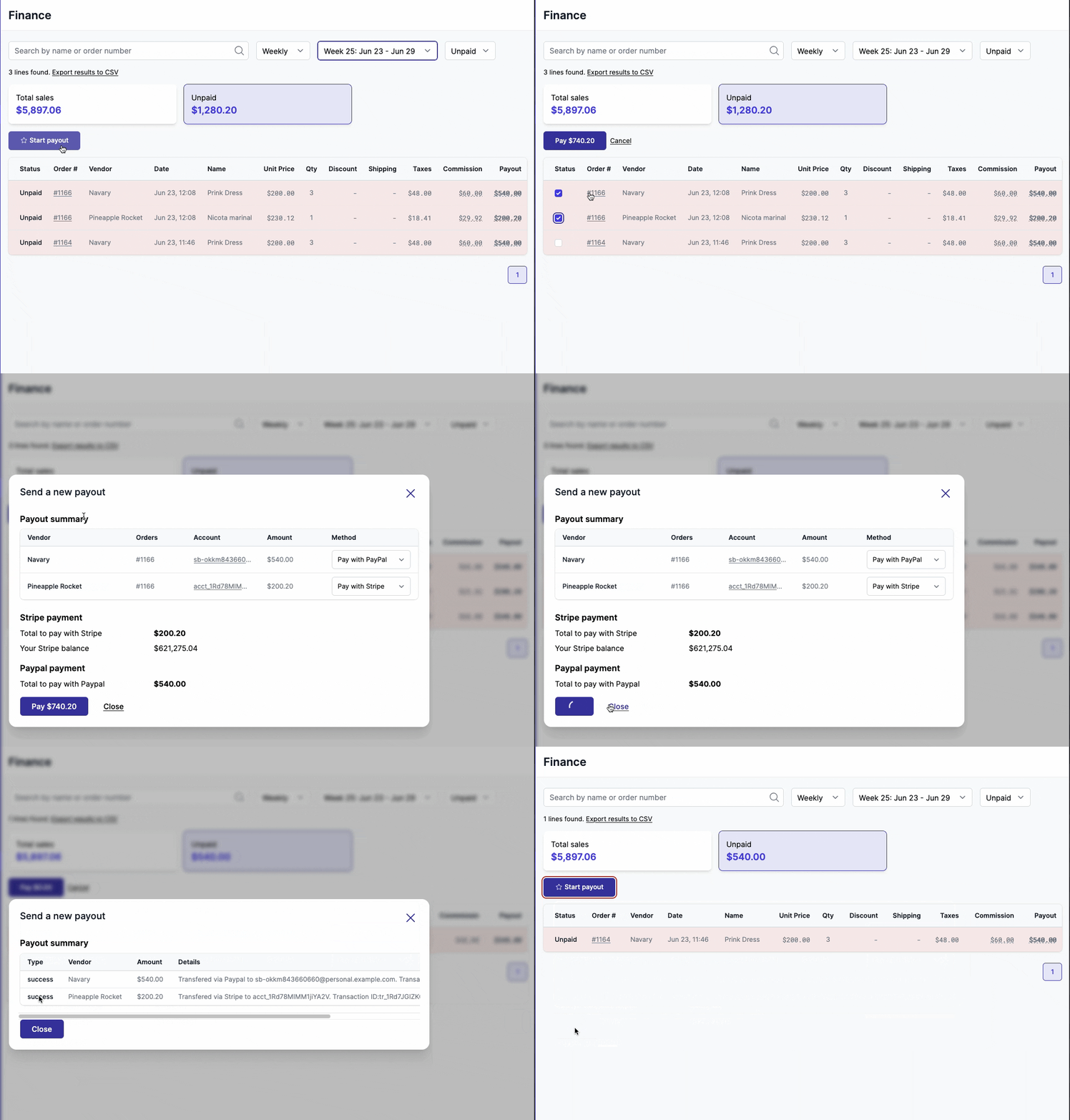
Send a payout
Manual payout is enabled for all marketplaces and can only be seen by administrators. Let's see the different options you have on this view.
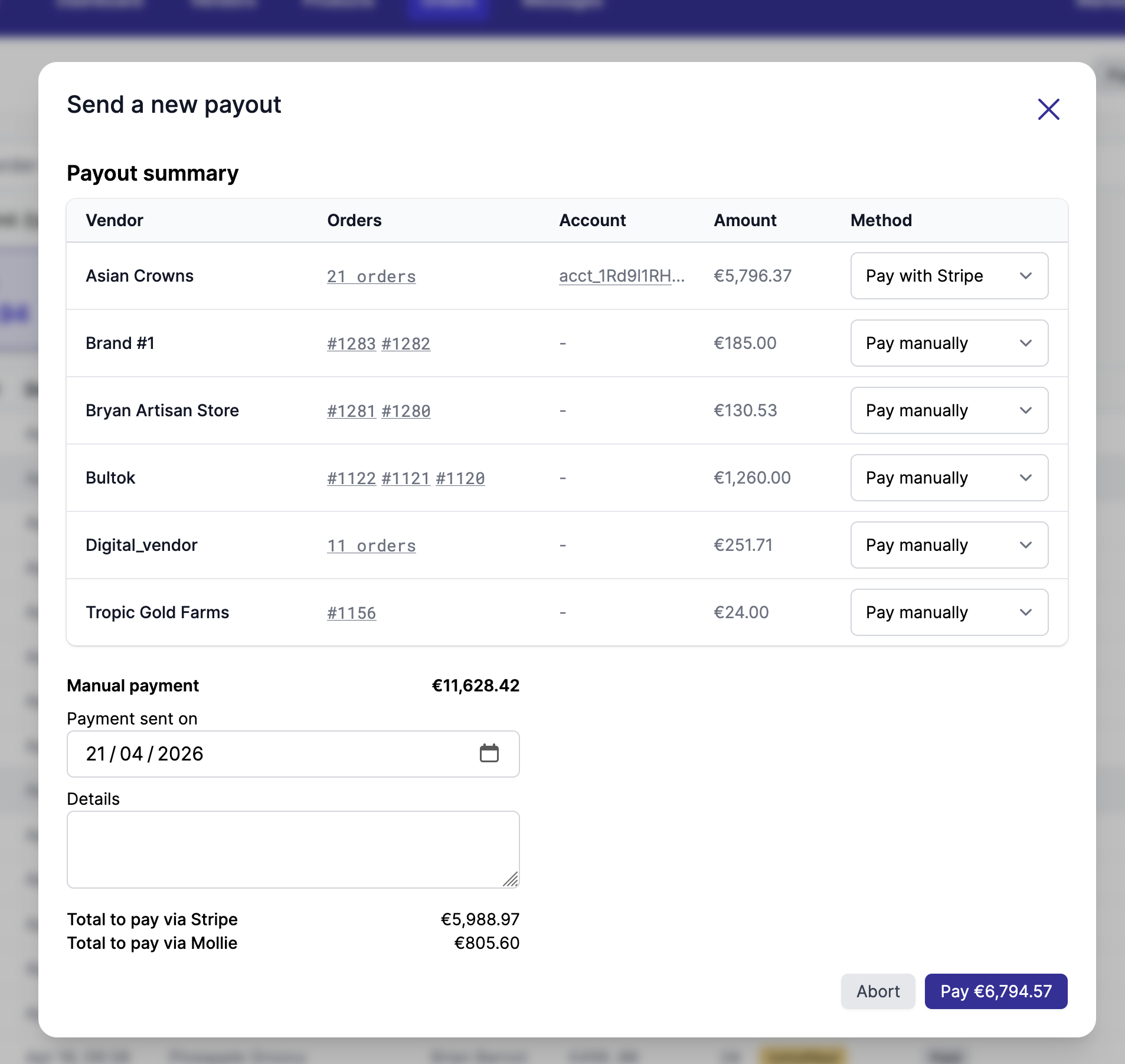
- Payment method, contains a drop down with the payout methods the vendor connected, then an Others section:
- Mark as paid, when you paid the vendor outside of Garnet
- Request payout setup, for a vendor without any payout method: nothing is paid, the vendor receives the Payout method missing email with the amount and orders waiting, asking them to connect one. It is selected by default for vendors without a payout method, and greyed out while that email is turned off
- Amount, represents the amoun selected before accessing the view
- Paid at, you can choose the date on which the payment was made
- Details, any information linked to the payment (should be at least 10 characters)
Once paid, the finance will automatically transfer the unpaid amount to paid.
As with automated payouts, an order refunded after its payout is deducted from what the vendor is due, whatever the payment method, Mark as paid included. Paying all vendors at once deducts the orders of the last 2 months; to deduct an older one, select it with the vendor's orders to pay. A vendor owing more than they are due is not paid; when they repay you outside of Garnet, select their orders and use Mark as paid to record the negative amount.
Undo a payment
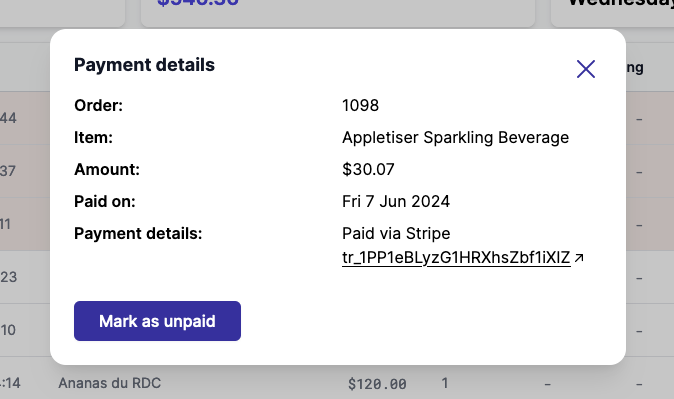
Manual payments can be eaasility edited by the marketplace. Simply click again the paid transaction then Mark as unpaid.
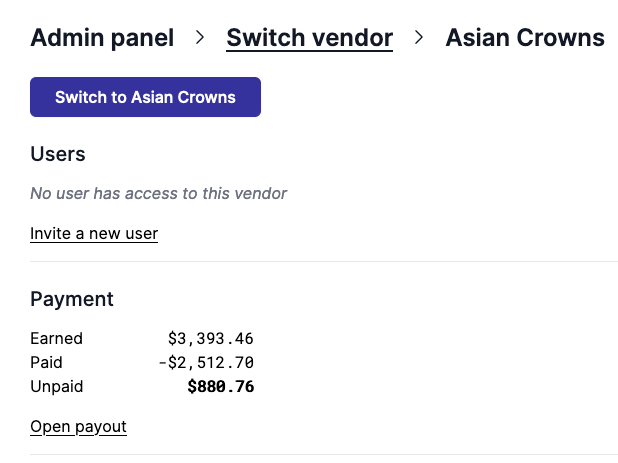
Vendor payment overview
You can view all your vendor's payment directly from the admin panel.
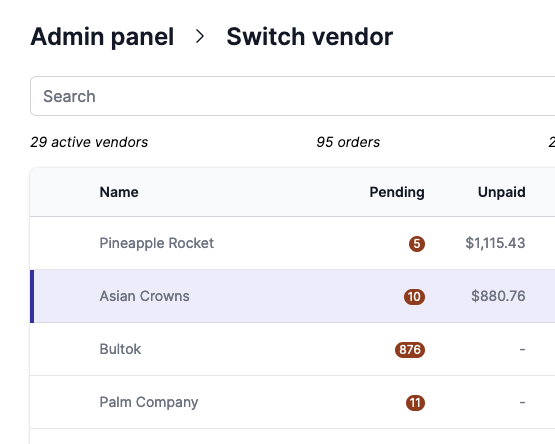
By clicking the vendor, a more detailed view opens with the ability to create a new payout.