
Shipping labels
With live shipping rates, vendors print a label directly from the order fulfillment view. Labels are bought from the marketplace's carrier account (Shippo, Easyship or Shipmondo).
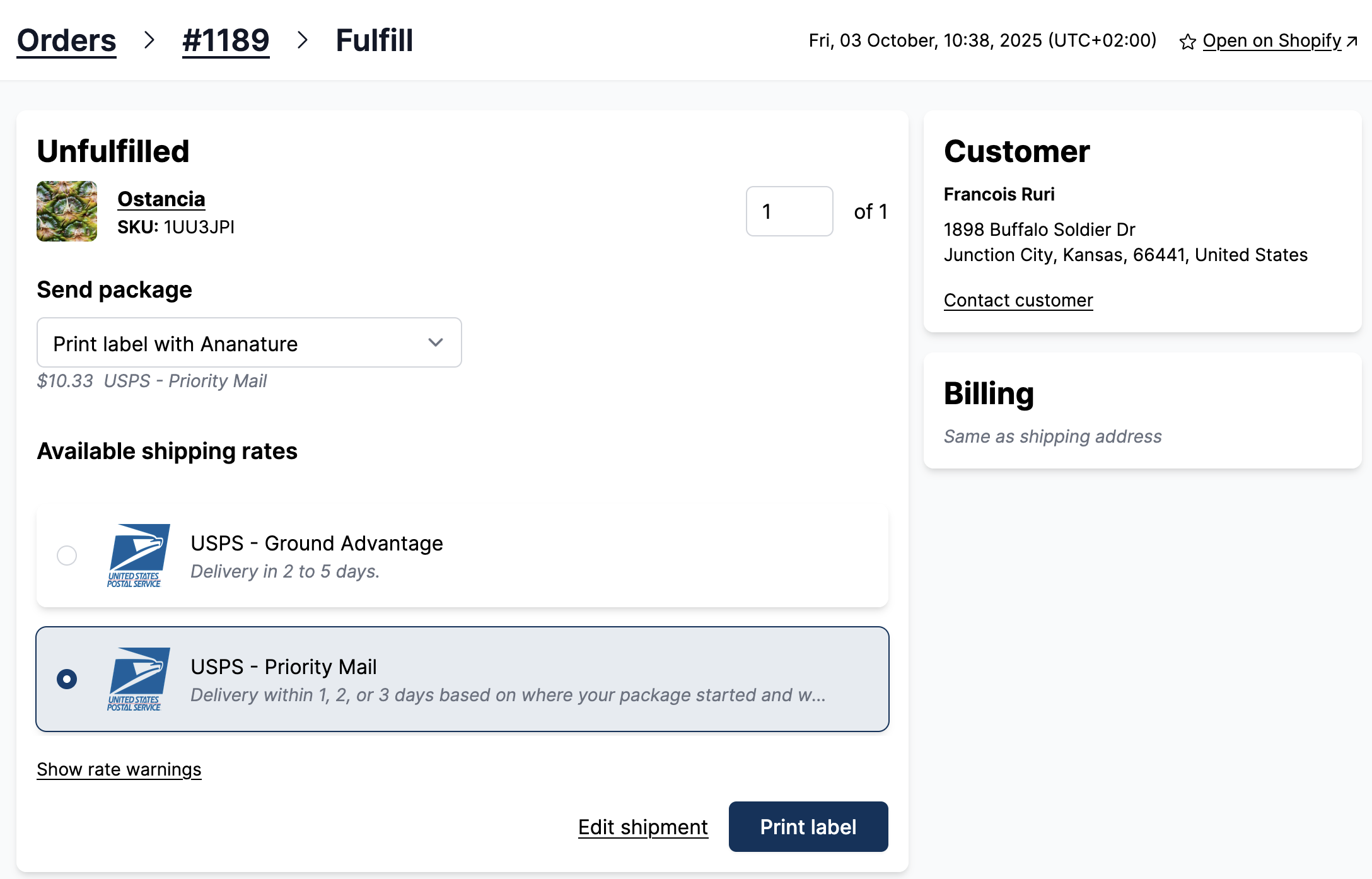
Purchase the shipping label
For all orders, vendors have the options buy the shipping rate from Shippo. When the rate is purchased from Shippo, the marketplace receives the shipping costs. The vendor can choose to use their own shipping methods. In that case, the shipping cost goes to the vendors.
First, the vendor packs the item and verifies the shipment details. The vendor measures the dimensions and the weight of the parcel(s). Once done, they can generate shipping rates.
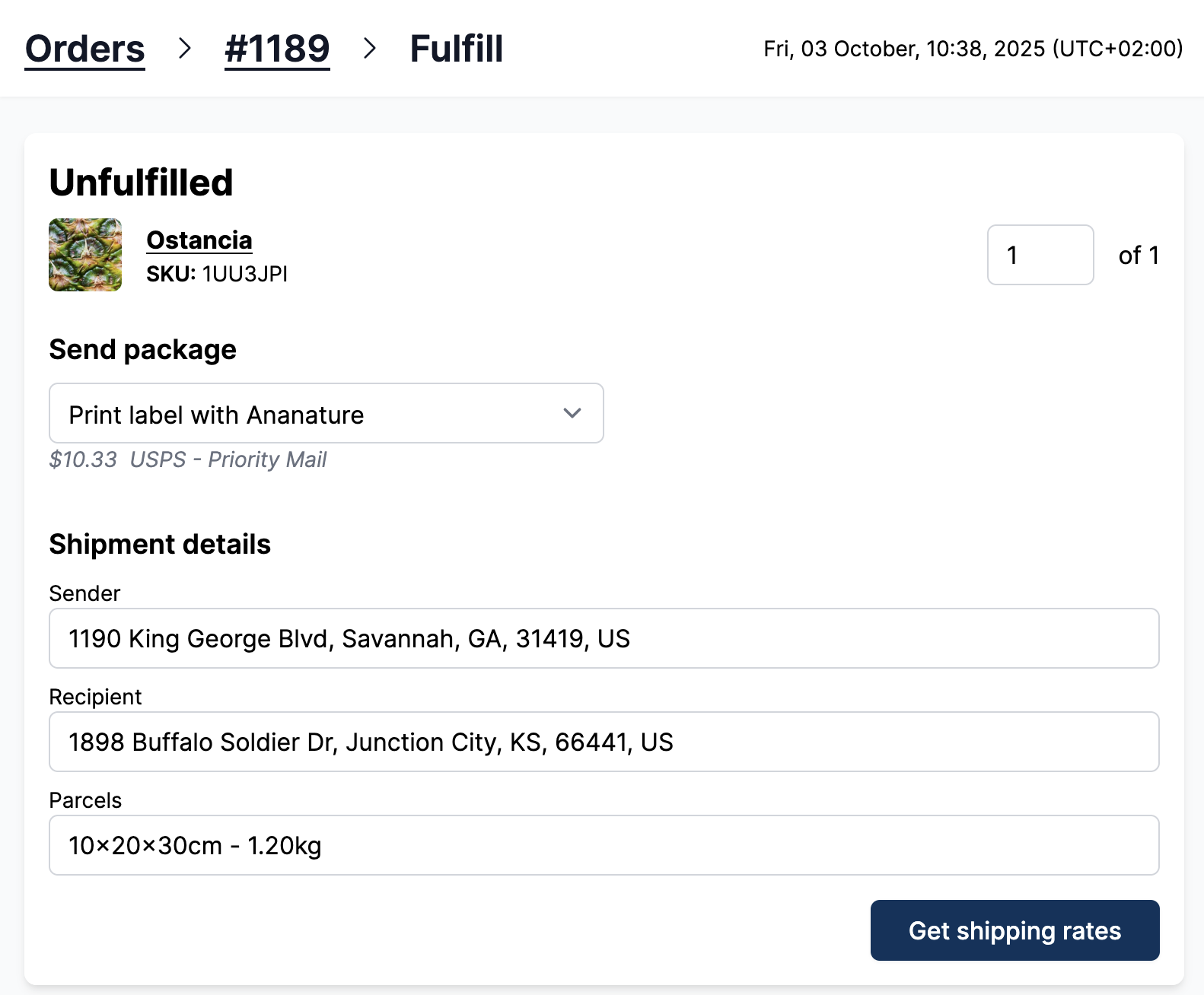
Shipping rates are fetched from the marketplace's Shippo account. The rate costs are hidden and the cheapest price is at the top. The rate costs do not exceed 110% of the shipping paid by the customer.
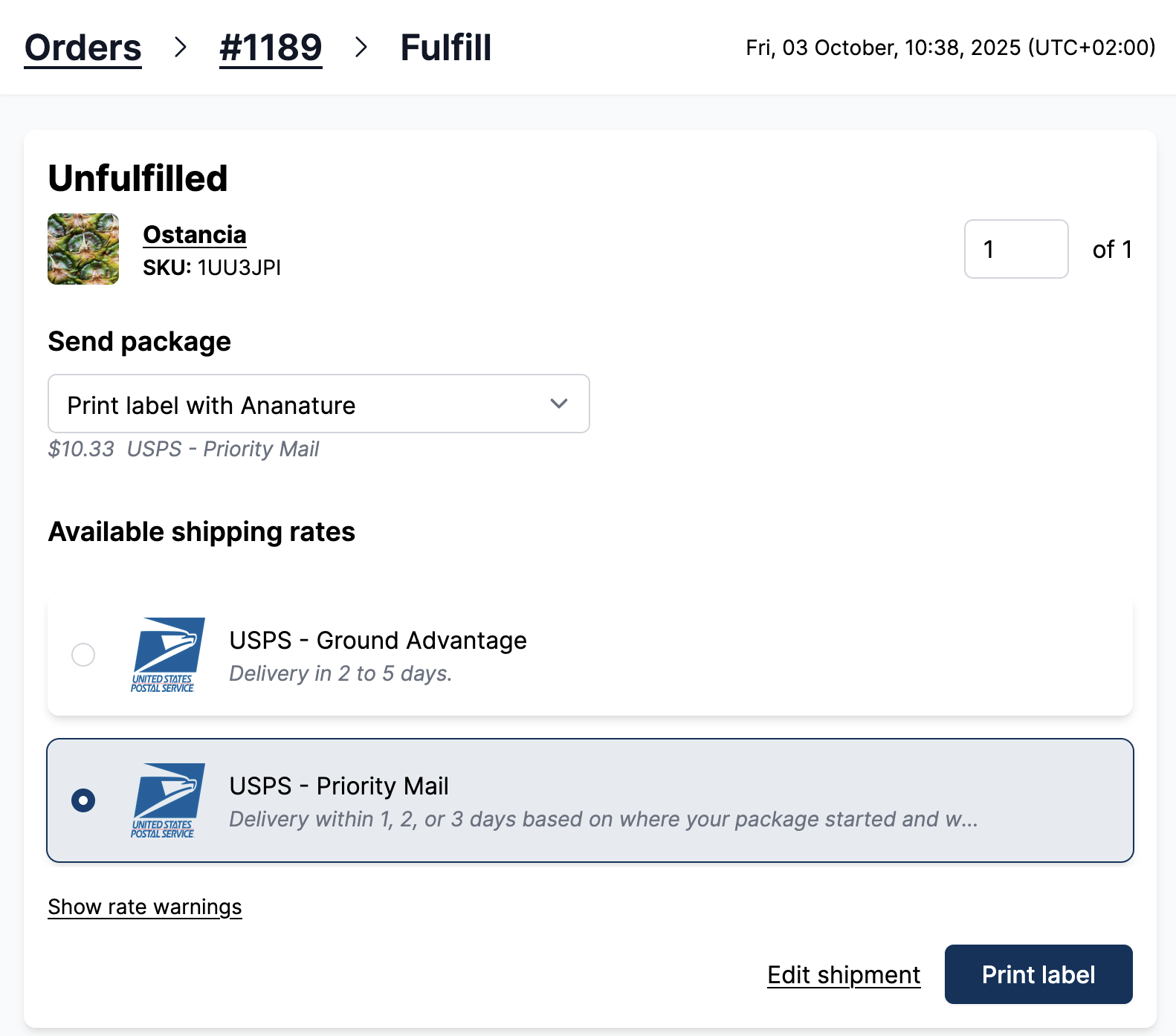
Only the courier services selected in preferred courier services are offered.
Troubleshoot - Shipping cost not displayed to the vendor
Indeed there is usually a discrepancy between the shipping paid by the customer and the actual shipping cost. For instance, the oil price can fluctuate between the shipping quote (at checkout), and the actual shipping (at fulfillment).
So for each order, the marketplace will either profit or make a loss on the shipping. To limit losses, Garnet only show shipping rates that are below 120% of the shipping quote.
We do not want vendors to worry about discrepancies: they will try to bypass the marketplace to save a few cents which is a poor vendor experience.
On average, the marketplace profits from live shipping rate.
Refund a label
In case the vendor purchased a rate by mistake, the marketplace can always request a refund on the shipping label on Shippo.