
Logos
Your marketplace's logo can be set in 2 different places. It can be customised to keep your identity between your main website and Garnet.
Top left logo
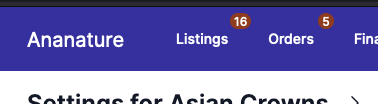
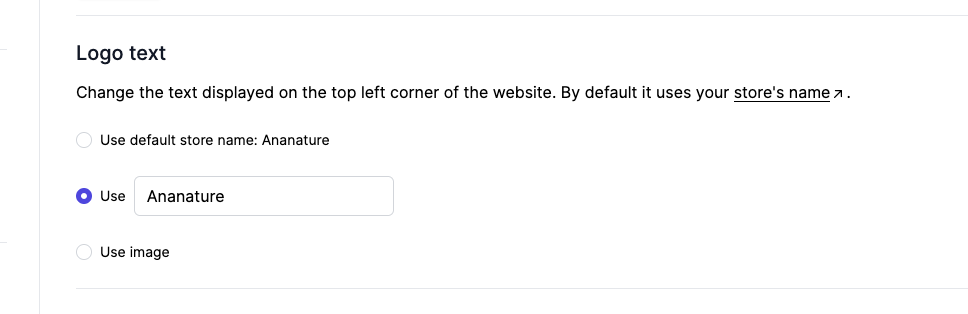
This logo is present on all Garnet's pages and by default it is set to your Shopify's store name. You can customise it to be something else, or to use an image.
If you use an image, we suggest you use a transparent image.
Login page logo
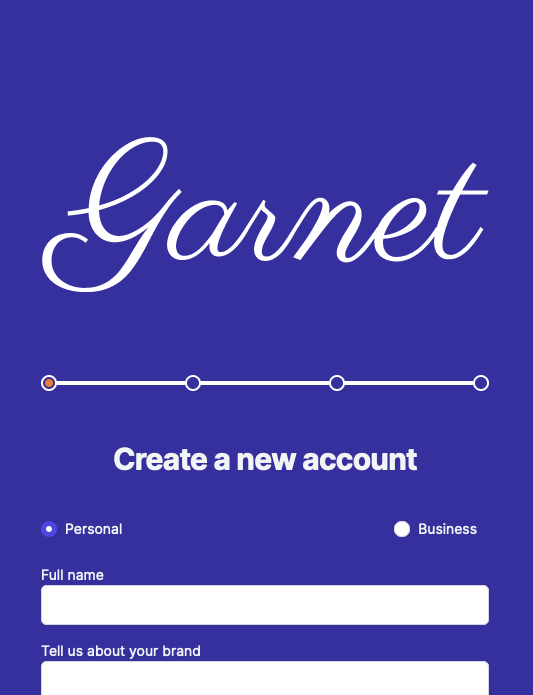
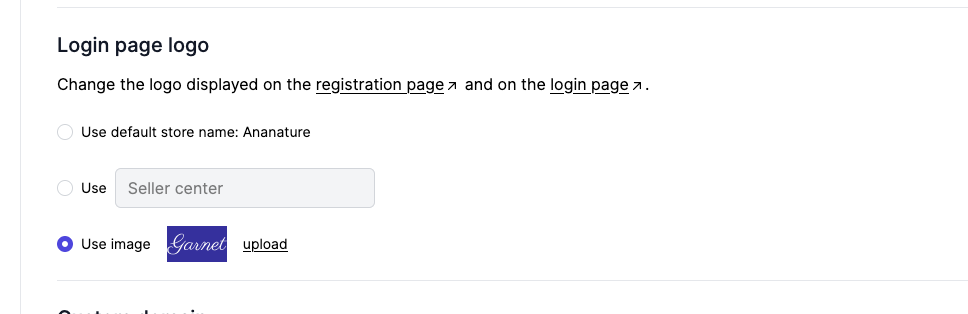
This logo sits at the top of the registration page. By default it is set to the name of your marketplace.
Same as the other logo, it can be set in Garnet > Appearance > Login page logo.
Favicon
The favicon is the icon in the browser tab, on {store}.garnet.center as well as on your custom domain. Set it in Garnet > Admin panel > General > Branding > Favicon: the image must be square, at most 500x500.
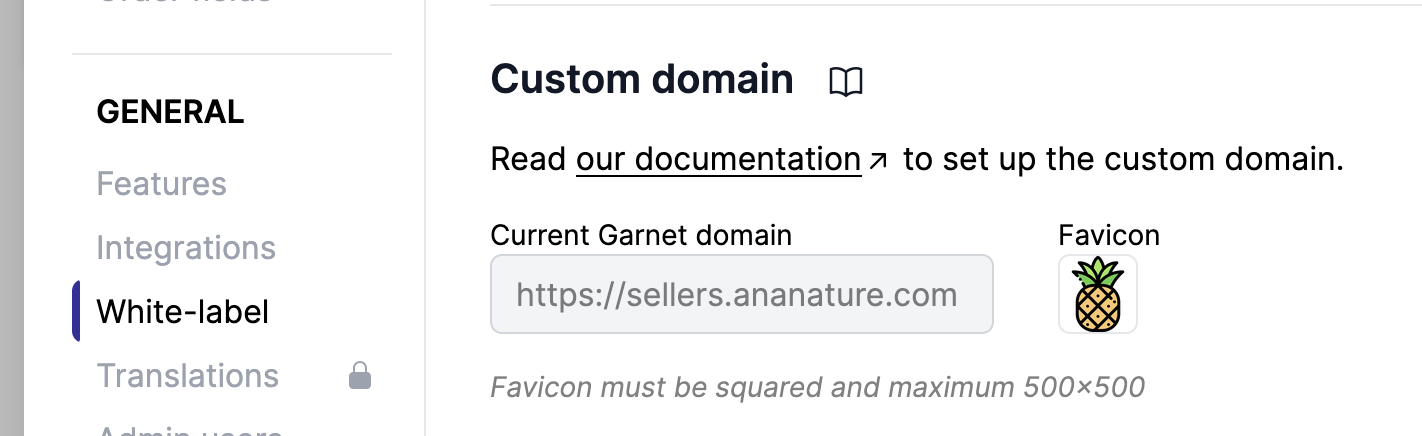
Set your favicon

View of the favicon on the browser tab