
Appearance
Mollie integration
Create an app
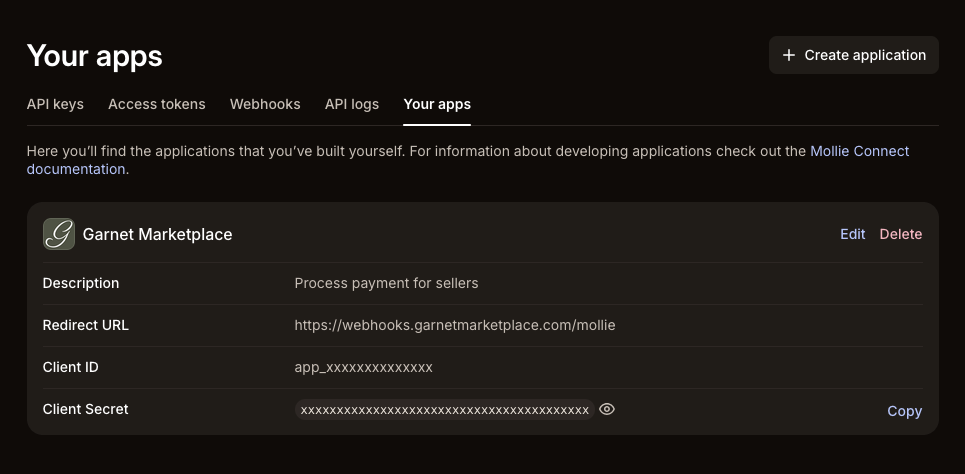
Navigate to Mollie > Browse > Developers > Your apps and create a new app with the following:
Name: Garnet Marketplace Description: Send payout to sellers registered on Garnet Marketplace Redirect URL: https://{store}.garnet.center/api3/public/mollie/oauth Logo (optional): https://cdn.garnetmarketplace.com/marketing/logo-garnet-mollie.png
Give access to Garnet
Click on the URL 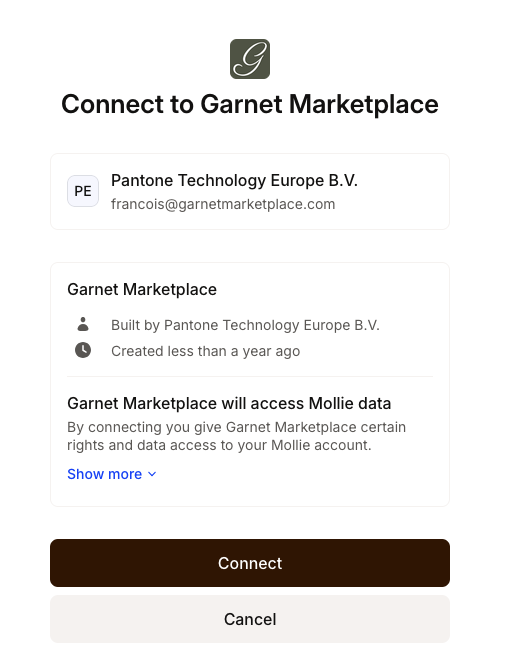
The redirect URI provided is missing or does not match
If you get this error, you typed the wrong value for Redirect URL in the previous step.
Pass the credentials to Garnet
The marketplace administrator needs to provide the following credentials to Garnet:
- Client ID - Found in your Mollie app settings, starts with
app_ - Client Secret - Found in your Mollie app settings
- Access Token - Found in Mollie Dashboard under
Developers > API keys, starts withaccess_
To find these values:
- Client ID & Client Secret: Go to
Mollie > Developers > Your appsand click on your app - Access Token: Go to
Mollie > Developers > API keysand copy your Live API key
Enter these values in Garnet under Settings > Integrations > Mollie.