
Appearance
Admin Panel
The Admin Panel contains all marketplace settings: commission, shipping, notifications, integrations, and more. It is meant to be accessed occasionally to update your configuration. When onboarding on Garnet, the Garnet team takes care of the initial setup — contact us to get started.
As an admin, you can switch vendors to see their data, change settings (like commission), or approve products.
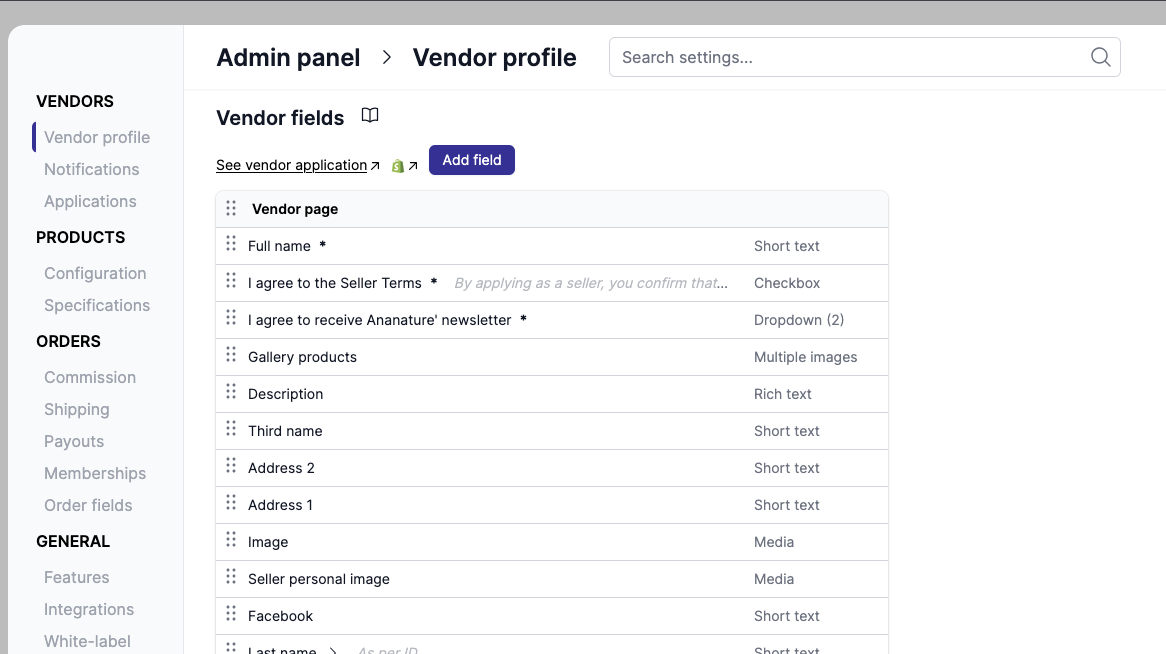
Search settings
You can quickly find settings in the admin panel using the search feature. Press Cmd+K / Ctrl+K or click the search bar to open the search modal. Results navigate directly to the matching section.
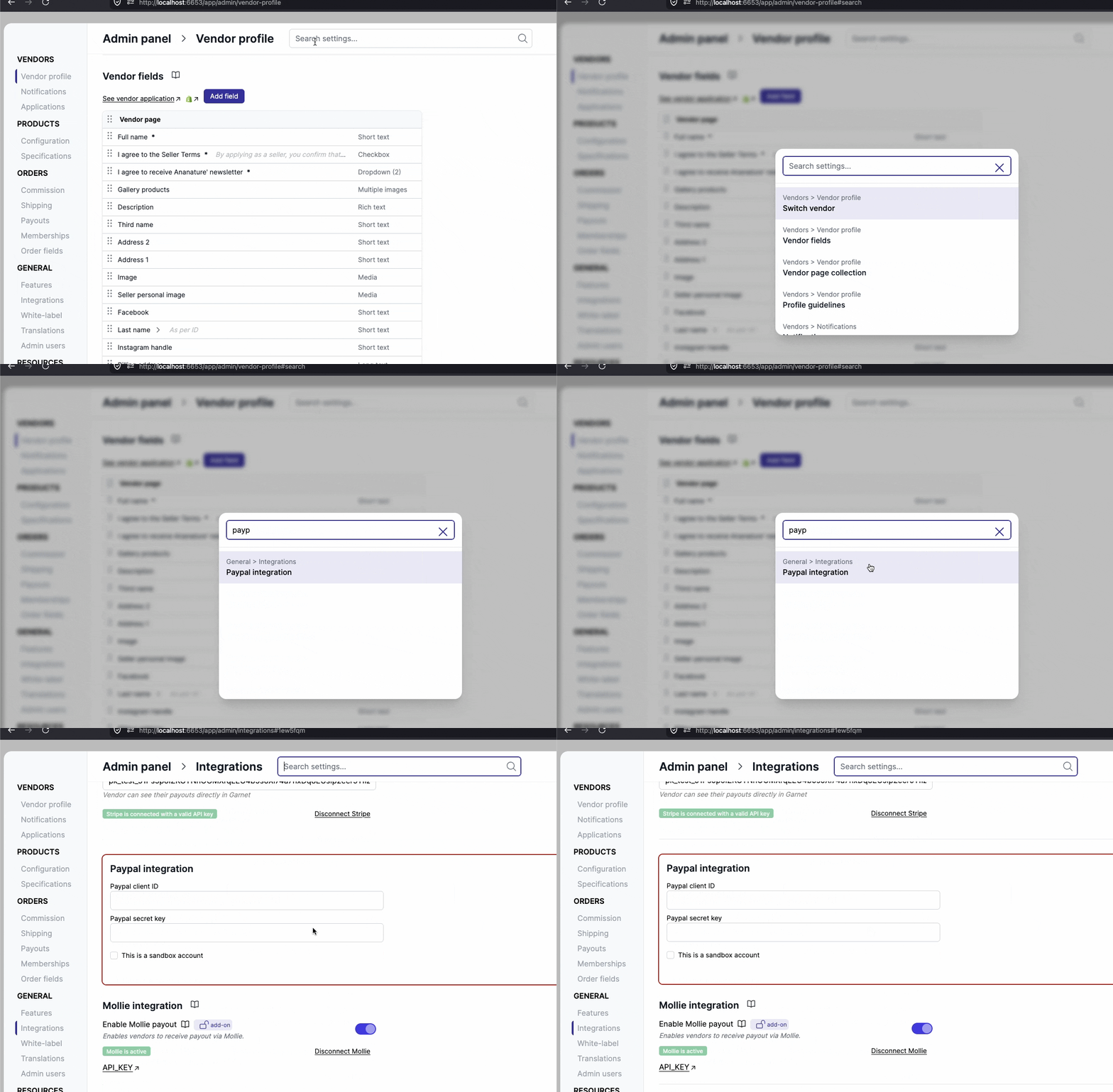
Access documentation
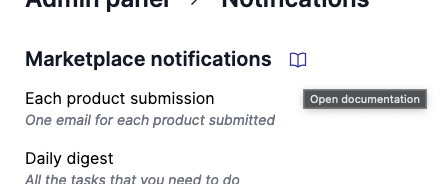
When browsing the features in the Admin Panel, you can click the book icon to access the documentation in a new tab.
Settings overview
Vendors
- Vendor profile - Configure vendor fields, vendor page collection, and profile guidelines
- Notifications - Manage vendor email notifications and customize templates
- Applications - Configure vendor application fields, accesses, and custom onboarding forms
Products
- Configuration - Set up sales configuration, product configuration, guidelines, default units, product template, and sales channels
- Product fields - Define product fields for vendors to fill in
Orders
- Commission - Set default vendor commission and commission calculation rules
- Shipping - Configure shipping rates and default shipping
- Payouts - Enable payment view and automated payouts
- Memberships - Set up membership plans and vendor subscriptions
- Order fields - Choose which fields are visible to vendors in the order view
General
- Features - Toggle discounts, applications, products, orders, vendors, messages, analytics, audit logs, and translations
- Integrations - Connect Seal Subscriptions, Shippo, Easyship, email integrations, Stripe, PayPal, Mollie, and Airwallex
- White-label - Customize colors, wordings, logos, custom domain, navigation menu, and support email
- Translations - Manage available translations and translate your fields
- Admin users - Manage admin user access
Resources
- Plans - View and manage your subscription plan
- Documentation - Access the full documentation