Appearance
Paypal integration
Connect your marketplace with Paypal to send manual payouts and automatic payouts to your vendors. Vendors only need to share their paypal email or Paypal ID. Compatible with Venmo.
Create an API key
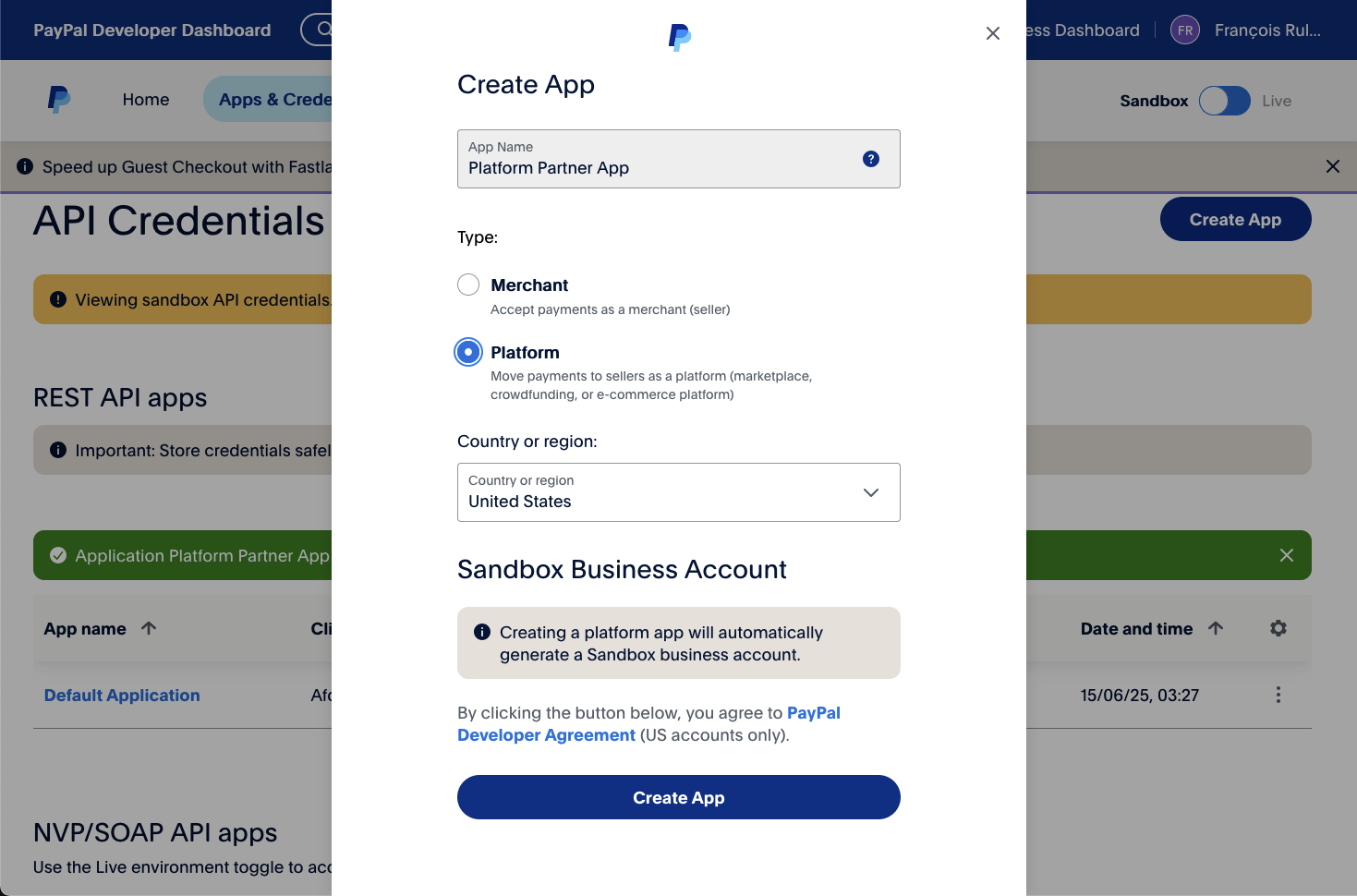
Go to your Paypal Dashboard and access Apps & Credentials. Press Create App and select your country of operation.
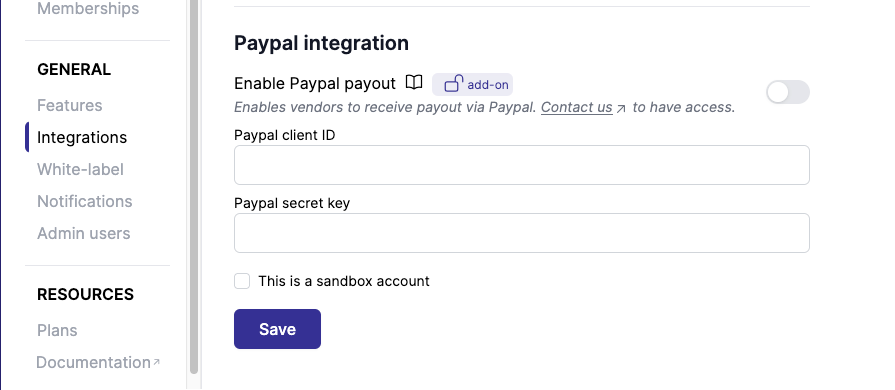
Then copy the Client ID and the Secret key in Garnet > Admin Panel > Finance > Payout methods > Paypal integration. If the account is a sandbox account, ensure that you check the This is a sandbox account.
Enable Payouts on your PayPal account
Creating the app is not enough: PayPal only lets a Business account that it has approved for Payouts send money through the API. Apply from the PayPal Payouts page while logged in with the account that owns the app, or ask PayPal support to enable Payouts on the account. Approval usually takes a few business days.
Until the account is approved, Garnet can save the API key (PayPal accepts the credentials) but every payout is refused with the following error, reported on the payout page and in the daily automatic payout email:
AUTHORIZATION_ERROR: Authorization error occurred.If you see it, check that the account is a Business account with no limitation on it, and that Payouts has been enabled on it. Quote the debug_id from the error when contacting PayPal support.
WARNING
PayPal also refuses a payout sent to the same PayPal account that sends it. When testing, register a vendor with a different PayPal email than the marketplace account.
Availability
Garnet Paypal integration is only available in the following countries:
- 🇦🇺 Australia
- 🇨🇦 Canada
- 🇨🇳 China
- 🇫🇷 France
- 🇭🇰 Hong Kong
- 🇮🇹 Italy
- 🇸🇬 Singapore
- 🇪🇸 Spain
- 🇬🇧 United Kingdom
- 🇺🇸 United States
See the full list of PayPal Payouts supported countries.
Vendor setup
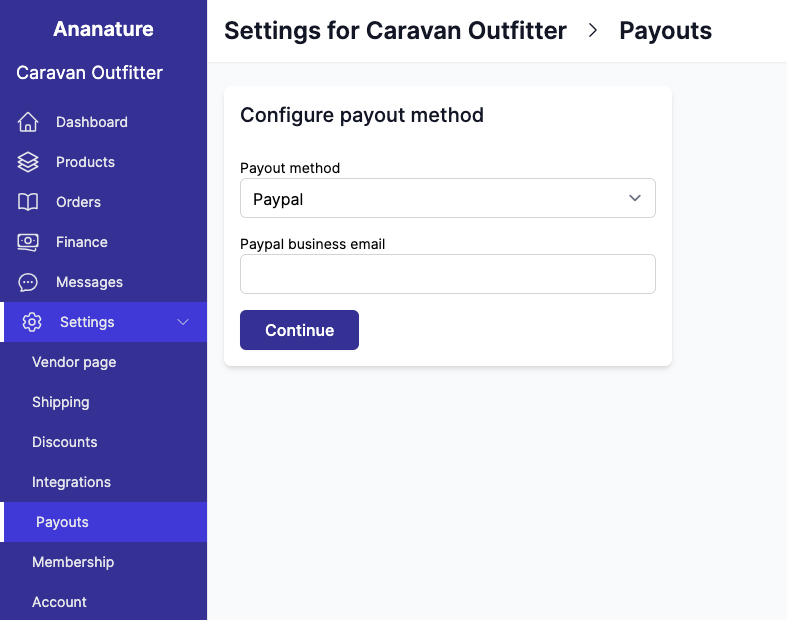
Once integrated, the vendor can set their Paypal email in the Payout section: