
Appearance
Rename a vendor
The marketplace can rename vendors in the Admin Panel > Switch Vendors > Rename vendor. Overall, the operation is transparent for the marketplace and has no side effect. However, some marketplaces have existing automation based on Garnet and Shopify so it is important to understand what is happening.
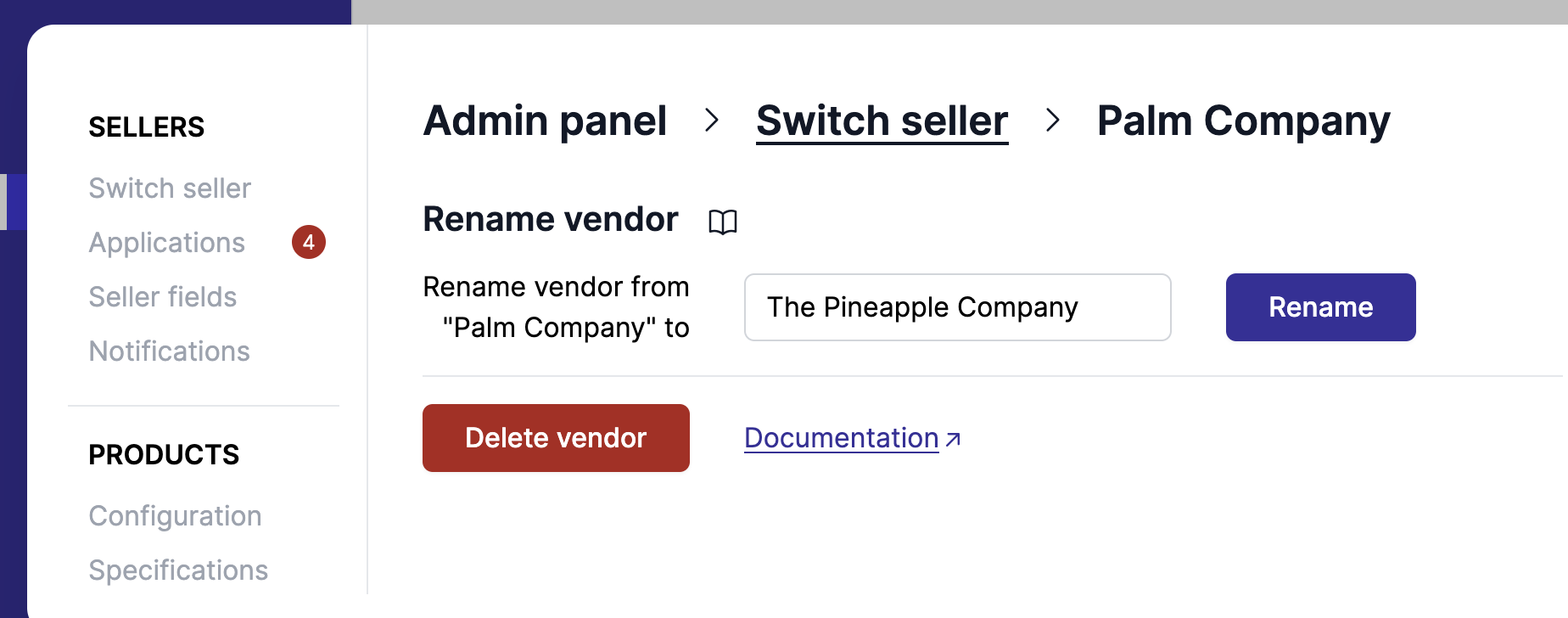
When doing so, the operation will:
- Create a new vendor with the desired name,
- Rename the vendor fields of all products,
- Move all users from the old vendors to the new vendor,
- Move all integrations to the new vendor,
- Move all settings, including payment details and connected accounts,
- Move all shipping settings.
- Remove the old vendor from Garnet Marketplace.
Rename onto a name already in your catalogue
If the new name already exists on some of your products, tick Rename to a vendor with existing products and pick it from the list rather than typing it. The list shows every vendor name found on your products with its product count, so the rename lands on the exact spelling Shopify holds instead of creating yet another vendor name.
Only names that have products but no Garnet account are listed. Merging two vendors that both have an account is not supported: the rename would overwrite the settings, users and payment details of the one you rename onto.